60
20. FPV operation
a) General information
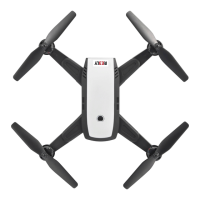
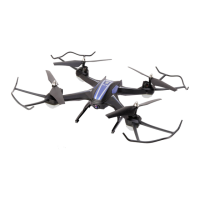
The quadrocopter is equipped as standard with an HD camera that transmits the video signal via 5.8 GHz radio signal
to a suitable receiver, monitor or FPV goggles (not included). The live broadcast makes a so-called "FPV operation"
(FPV=rstpersonview)possible.
Warning!
A pure FPV operation increases the risk of accidents because you may not see obstacles or may not see
them in time due to the restricted camera image. Therefore, as a general rule, an FPV operation must be
monitoredbyaco-pilotwhocanwarnofdangersingoodtime.Itthereforerequiresalotofpracticetoy
inFPVoperation.Duringthelearningphaseinparticularmakesurethattheselectedightareaisfreeof
obstacles and far away from people, animals, buildings and roads.
To ensure the interference-free transmission of video signals, there should be no other transmitters in the model's 5.8
GHz transmission range.
Respect other people's privacy when storing image and video. The recordings are only intended for your private use.
For publication in any form may, the consent of the owner or any people in the recordings may be required. Always
observe the applicable regulations in your country.
b) Operation with FPV goggles
Either "FAT SHARK" monitor goggles or the FPV goggles/monitor set with Conrad order no. 1620624 should be used
for FPV operation.
In contrast to the "FAT SHARK" monitor goggles, which do not require binding to the quadrocopter, the "HS001"
monitor from the FPV goggles/monitor set must be bound to the quadrocopter. The exact procedure for switching the
monitor to binding mode can be found in the operating instructions for the FPV goggles/monitor sets.
Once the "HS001” monitor has been correctly bound, the display symbols can be switched on and off with the display
toggle button on the transmitter (see Figure 1, no. 4). The transmitter emits a short beep each time the button is
pressed.
Important!
BeforetherstFPVightchecktheradiorangeandthequalityofthevideosignal.


 To Next Page