46
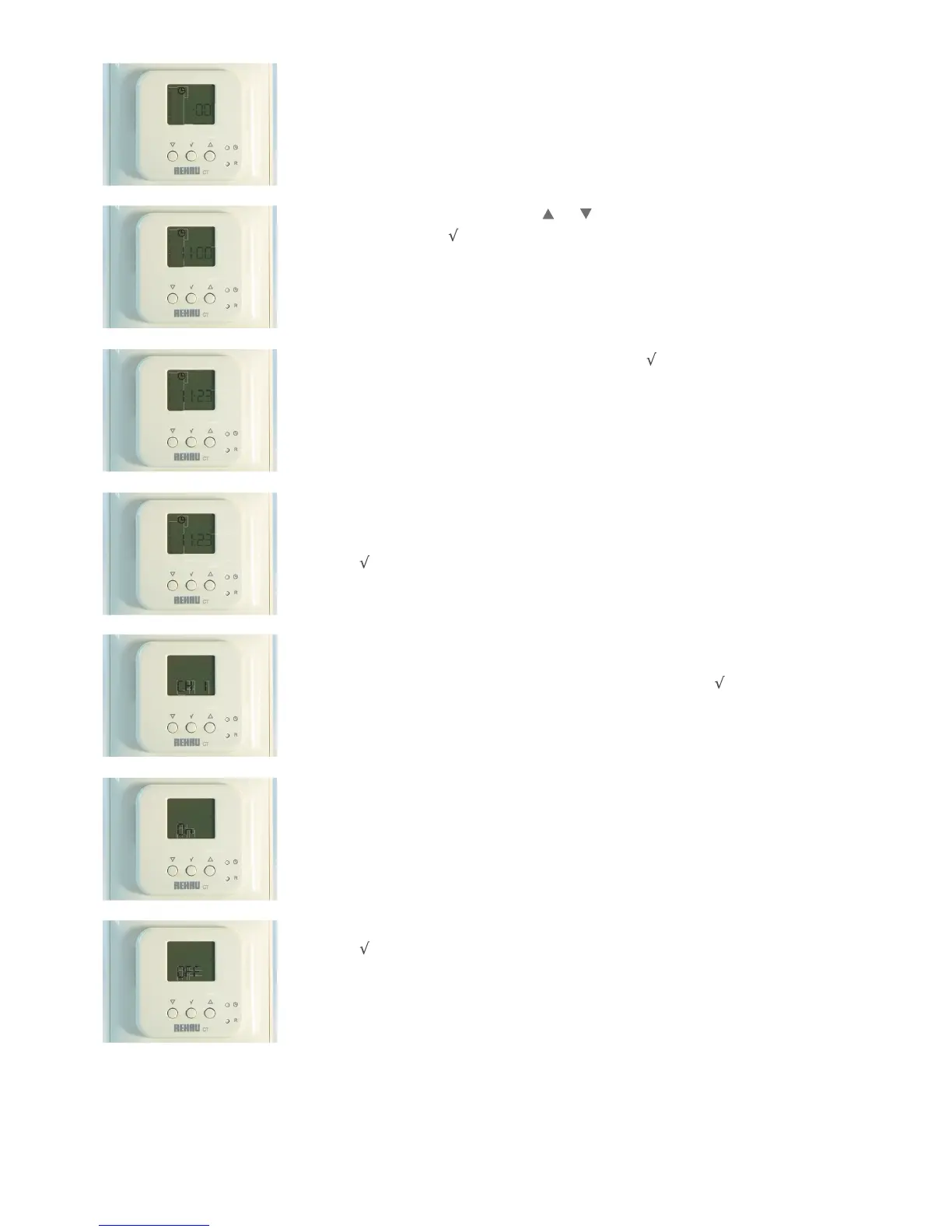
1. The time will have to be set as soon as the CT2 Programmable Room Sensor is switched on for the
first time, the hour digits start to flash.
1.1a To change the hours on the clock, use the
and to select the correct hour (24 hour clock is
default) and then press .
1.1b Then the minutes will start to flash, adjust as above and press
to confirm.
1.2 The day of the week then has to be set.
Number 1 on the top left of the screen will flash, select the correct day by using
the up and down arrows. 1 is Monday, 2 is Tuesday....6 is Saturday, 7 is Sunday.
Press
to confirm.
1
2
3
4
5
6
7
I I:00
2
3
4
5
6
7
1.3 This shows the channel numbers for the following zones:-
To set which channels the CT2 Programmable Room Sensor controls, press to select the first
zone CH 1.
1.4 Use the UP and DOWN arrows to either select ON.
1.5 or OFF.
Press to confirm, then the next channel will appear.


 To Next Page