49
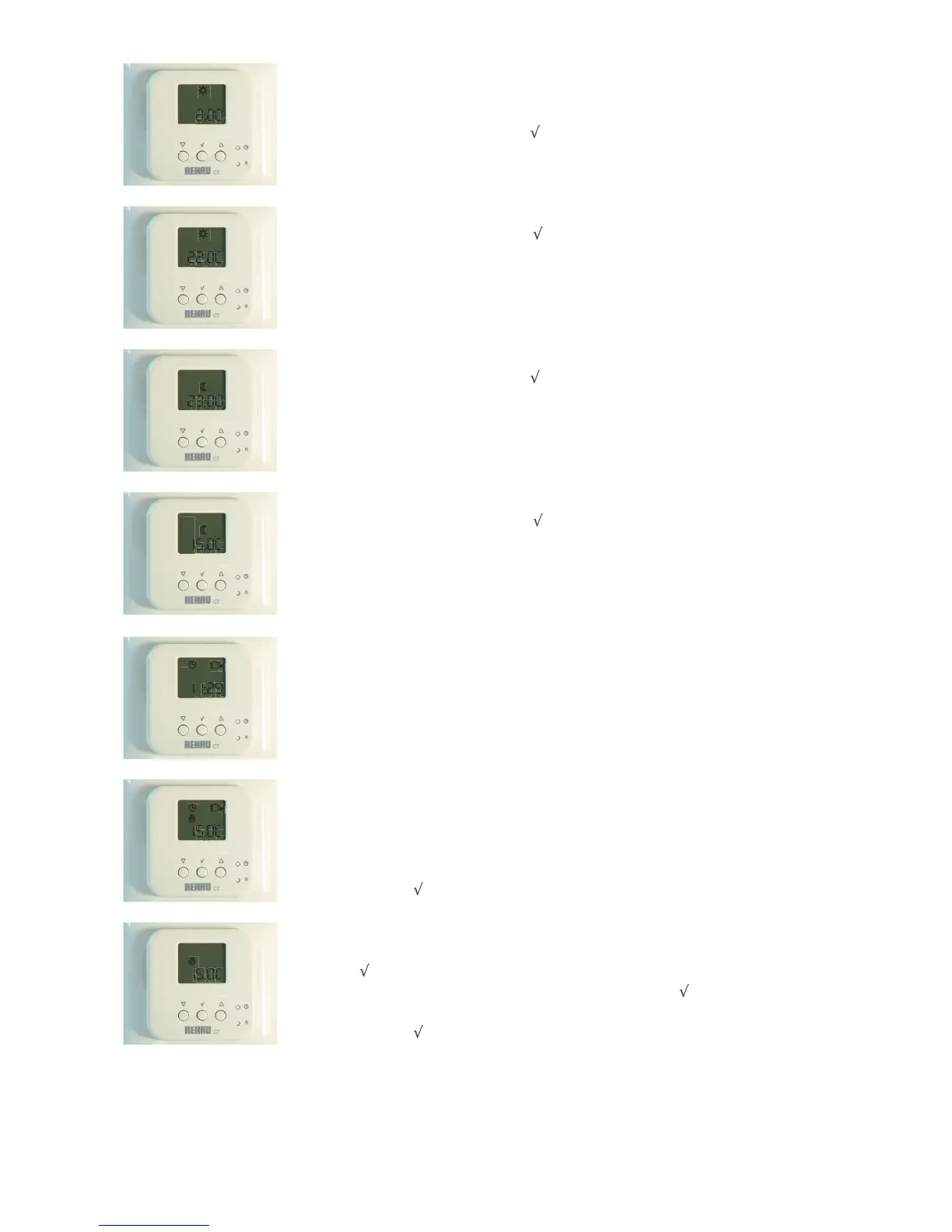
2.6a Days 6 and 7 (Saturday and Sunday) only have 2 events - DAY and NIGHT.
This screen shows the start time of day event.
Adjust if required as above. If not press twice to continue.
2.6b The temperature for DAY event at weekend.
Adjust if required as above. If not, press
to continue.
2.7a The time which the NIGHT event starts at weekend.
Adjust if required as above. If not press
twice to continue.
2.7b The temperature for the NIGHT event.
Adjust if required as above. If not, press to continue.
6
7
6
7
6
7
1
2
3
4
5
3. Temporary Override (to change current temperature temporarily)
Press the UP button once, the temperature then flashes.
Adjust to desired temperature with UP and DOWN buttons. The display then flashes for 5 seconds
and then reverts back to main screen.
To cancel, press twice.
3.1 Permanent Override (e.g. occupants go on holiday)
Press on main screen.
Use UP and DOWN buttons until desired temperature reached. Press to confirm.
The display will remain on the override temperature until it is cancelled.
To cancel, press once.
2.8 Once the settings are completed, the CT2 Programmable Room Sensor/Controller returns to the
standard screen, showing time, day and current event.
2


 To Next Page