TRIP COMPUTER
2
Getting to know your vehicle - 129
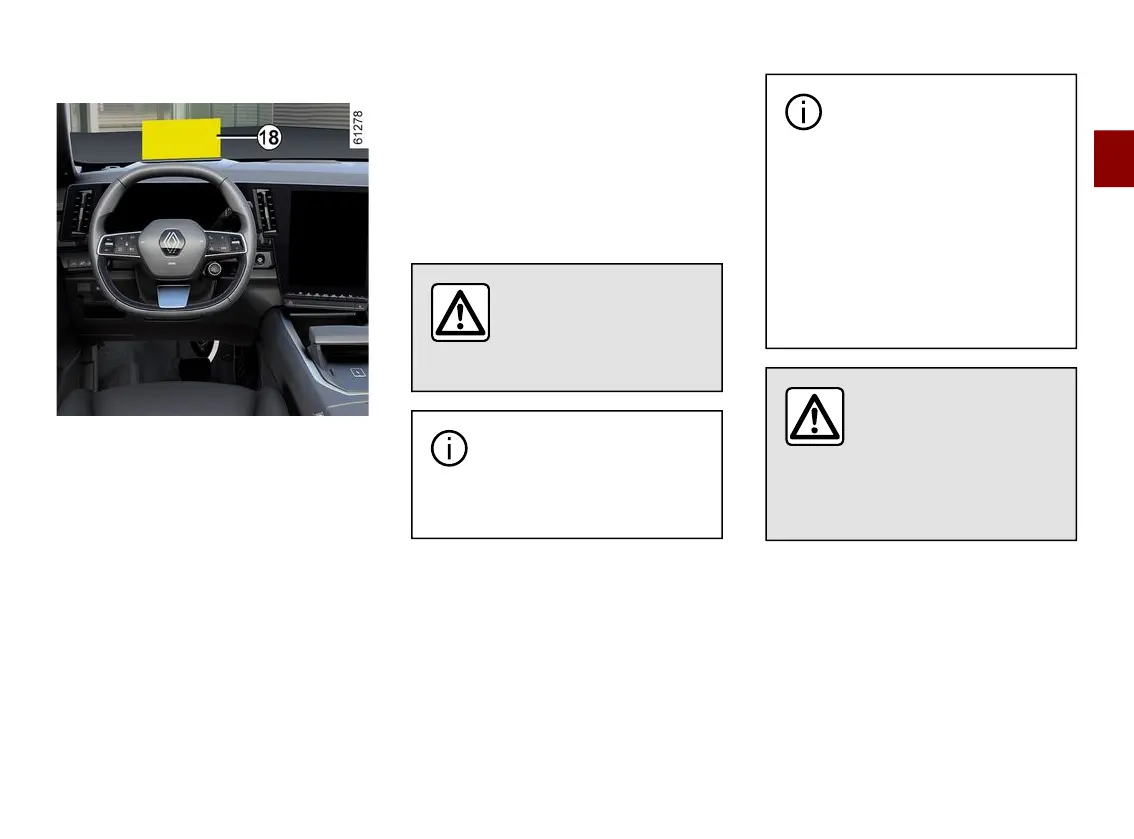
Head-up display 18
Thedisplaydetailsdrivingandnaviga-
tion information from the instrument
panel and the multimedia screen. The
informationisprojectedontothewind-
screen.
If fitted to the vehicle, this is activated
whentheengineisstartedandisde-
activated when the engine is switched
off.
Refer to the multimedia instructions to
access the head-up display settings.
Adjusting the display information
height
Depending on your driving position,
you can raise or lower the information
onthedisplay.Youcanalsoslightlyro-
tate the projected image.
Adjusting the display brightness
The brightness varies automatically
according to the light level outside the
vehicle. Once the lights are switched
on, it is possible to manually adjust the
brightness.
For safety reasons, carry
out any adjustments
whilethevehicleissta-
tionary.
Donotusesolvents,deter-
gents or an abrasive cloth
to clean the protective film.
Only use a microfibre wipe.
The visibility of information
may be affected by:
– the seat position;
– the presence of an object
placed on the dashboard opening;
– the use of polarised spectacle
lenses;
– extreme weather conditions
(rain, snow, very strong sunlight,
etc.).
Refer to the information
displayedontheinstru-
ment panel in case of
conflicting information
between the panel and the head-
up display/multimedia screen.



 To Next Page