ADDITIONAL DRIVING AID FUNCTIONS
3
246 - Driving
Animpacttotheunder-
side of the vehicle while
manoeuvring(e.g.strik-
ing a post, raised kerb or
other street furniture) may result
indamagetothevehicle(e.g.de-
formation of an axle).
To avoid any risk of accident,
have your vehicle checked by an
approved dealer.
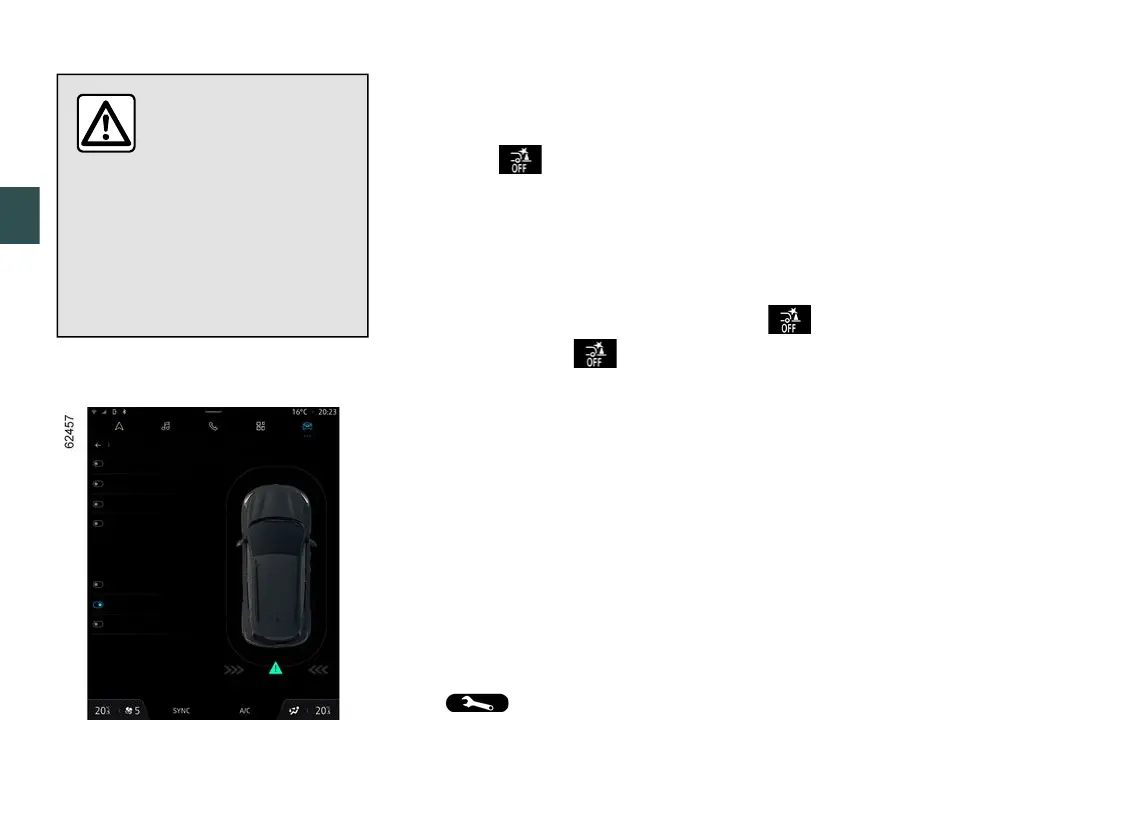
Activatingordeactivatingthesys-
tem
To activate or deactivate the function,
select the "Vehicle" world, then "Park-
ing aids". Select "Active emergency
braking in reverse gear".
Ifthefunctionisdeactivated,thewarn-
ing light
3
is displayed on the
multimedia screen.
Operating faults
When the system detects an operating
fault,activeemergencybrakinginre-
versegearisautomaticallydeactivat-
ed.
The warning light
3
is displayed
onthemultimediascreenaccompa-
niedby,dependingonthetypeofmal-
function, the following message on the
instrument panel:
– "Parking sensors unavailable";
or
– "Check parking sensors";
or
– "Driving aids unavailable";
or
– "Check driving aids".
Dependingonthevehicle,themes-
sage is accompanied by the display of
the warninglightonthein-
strument panel.
Clean the ultrasonic sensors. If there is
still a problem, contact an approved
dealer.
If the vehicle is fitted with a towbar
recognised by the system and a trailer
hasbeenconnected,activeemer-
gencybrakinginreversegearisauto-
matically deactivated and the "Trailer:
parkingsensorsoff"messageisdis-
playedontheinstrumentpanel,ac-
companied by the warning light
3
on the multimedia screen.



 To Next Page