PARKING AIDS
3
270 - Driving
getsnearer.Theareawheretheobsta-
cle
3
has been detected is displayed
(display
D
).
– if there is no risk of collision, no
beep will sound when approaching the
obstacle. Depending on the vehicle,
the area where the obstacle
3
has
been detected is shown interspersed.
In the event of a change in
trajectoryduringamanoeu-
vre, the risk of collision with
an obstacle may be signalled late.
Activation/deactivation
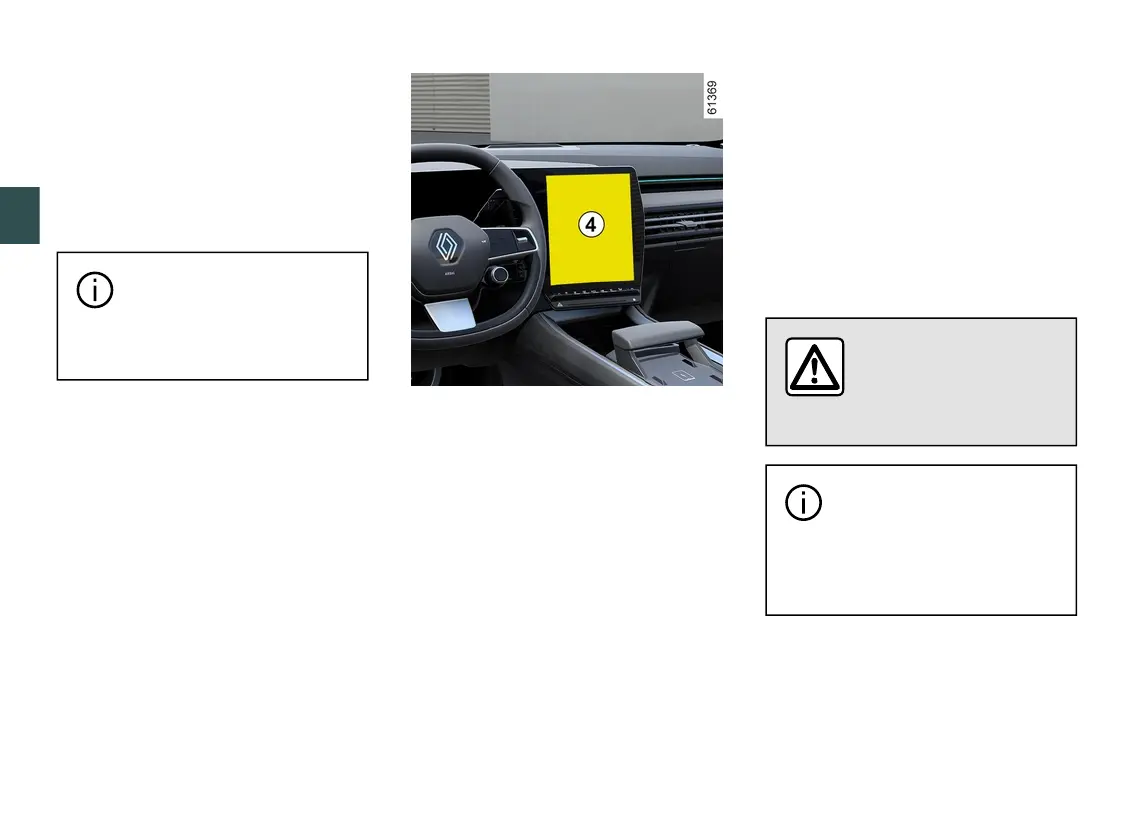
Activation/deactivation from the
multimedia screen
4
Fromthe"Vehicle"worldonyourmulti-
media screen
4
, press the "Drivingas-
sistance" menu then "Parking".
Activate or deactivate areas covered
by the ultrasonic detectors.
Pleaserefertothemultimediainstruc-
tions for further information.
Note: depending on the vehicle, the
reardetectionzonecannotbedeacti-
vated.
Parking distance control automatic
deactivation
The system is deactivated:
– whenthevehiclespeedisaboveap-
proximately 6 mph (10 km/h);
– depending on the vehicle, when the
vehicleisstationaryformorethanap-
proximatelyfivesecondsandanob-
stacle is detected (such as when in a
traffic jam, etc.);
– when you are in N or P position;
– when an operating fault is detected.
Note: depending on the vehicle, if the
vehicleisfittedwithatowbarrecog-
nised by the system, only the rear Park
Assist function is deactivated.
Settings
For safety reasons, carry
out any adjustments
whilethevehicleissta-
tionary.
Each time the vehicle is
started,thefunctionre-
sumes the activation status
saved the last time the engine
was stopped.
Adjusting settings from the multi
media screen
4



 To Next Page