PARKING AIDS
3
Driving - 271
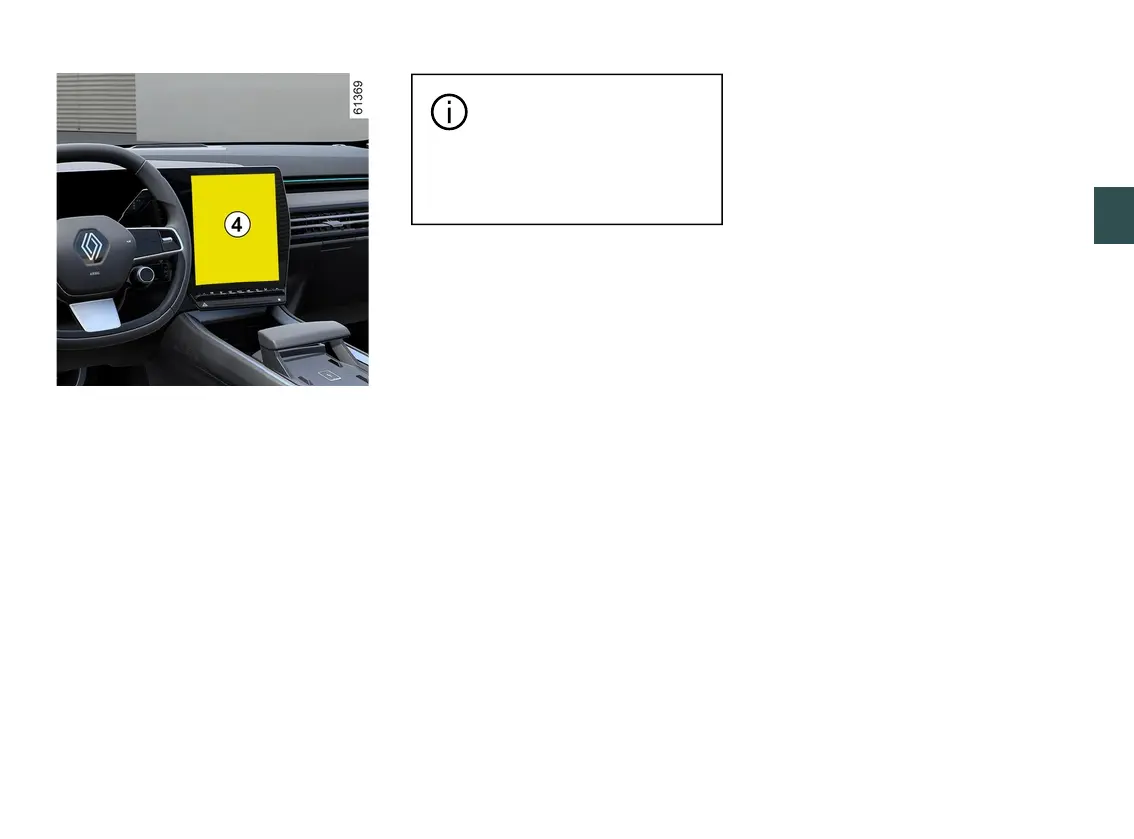
Fromthe"Vehicle"worldonyourmulti-
media screen
4
, press the "Drivingas-
sistance" menu then "Parking".
Pleaserefertothemultimediainstruc-
tions for further information.
Deactivating the system sound
(depending on the vehicle)
Activateordeactivatetheparkingdis-
tance control sound.
Note:ifyoumutethesound,whenap-
proachinganobstacleyouwillbealert-
ed only by the display.
Parking distance control audio vol
ume
Adjust the Park Assist volume using
the volume bar.
Each time the vehicle is
started,thefunctionre-
sumes the activation status
saved the last time the engine
was stopped.
Special cases
You can manually deactivate sound
alerts or, depending on the vehicle, the
detection zone concerned in the event
that:
– towing, carrying or trailer equipment
that is unrecognised by the system is
presentinfrontoftheultrasonicsen-
sors;
– the ultrasonic sensors are damaged.
Note: even if the sound is muted,
the displays will continue to warn you.
Operating faults
Whenthesystemdetectsamalfunc-
tion: either a sound signal warns you
foraboutthreesecondswhenthere-
verse gear is engaged, accompanied
bythe"CheckParkingsensors"mes-
sage on the instrument panel, or the
system does not produce a sound or
displaywhenthereversegearisen-
gaged.
Check that the ultrasonic sensors are
clean.
Ifitthefaultpersists,consultanap-
proved dealer.



 To Next Page