PARKING AIDS
3
290 - Driving
– screen split between the rear view/
bird's eye view;
or
– panoramic rear view;
or
– sideviews/bird'seyeview(depend-
ing on the vehicle);
or
– 3D view (depending on the vehicle).
When shifting from reverse gear to P
position (on an automatic gearbox) or
toneutralposition(onamanualgear-
box), the following views are available:
– screen split between the rear view
and the bird's eye view;
or
– panoramic rear view (depending on
the vehicle);
or
– sideviews/bird'seyeview(depend-
ing on the vehicle);
or
– 3D view (depending on the vehicle).
When shifting from reverse gear to D
position (on an automatic gearbox) or
to any gear (on a manual gearbox), the
following views are available:
– screen split between the front view
and the bird's eye view;
or
– front panoramic view;
or
– side views/bird's eye view;
or
– 3D view.
Adjusting the camera settings
From the multimedia screen, while the
"360° camera" system is displayed,
press the "Settings" button to add or
remove guide lines and adjust the
camera image parameters (brightness,
contrast, etc.).
Pleaserefertothemultimediainstruc-
tions for further information.
Note: for safety reasons, the views are
not displayed on the "Settings" menu
while the vehicle is moving.
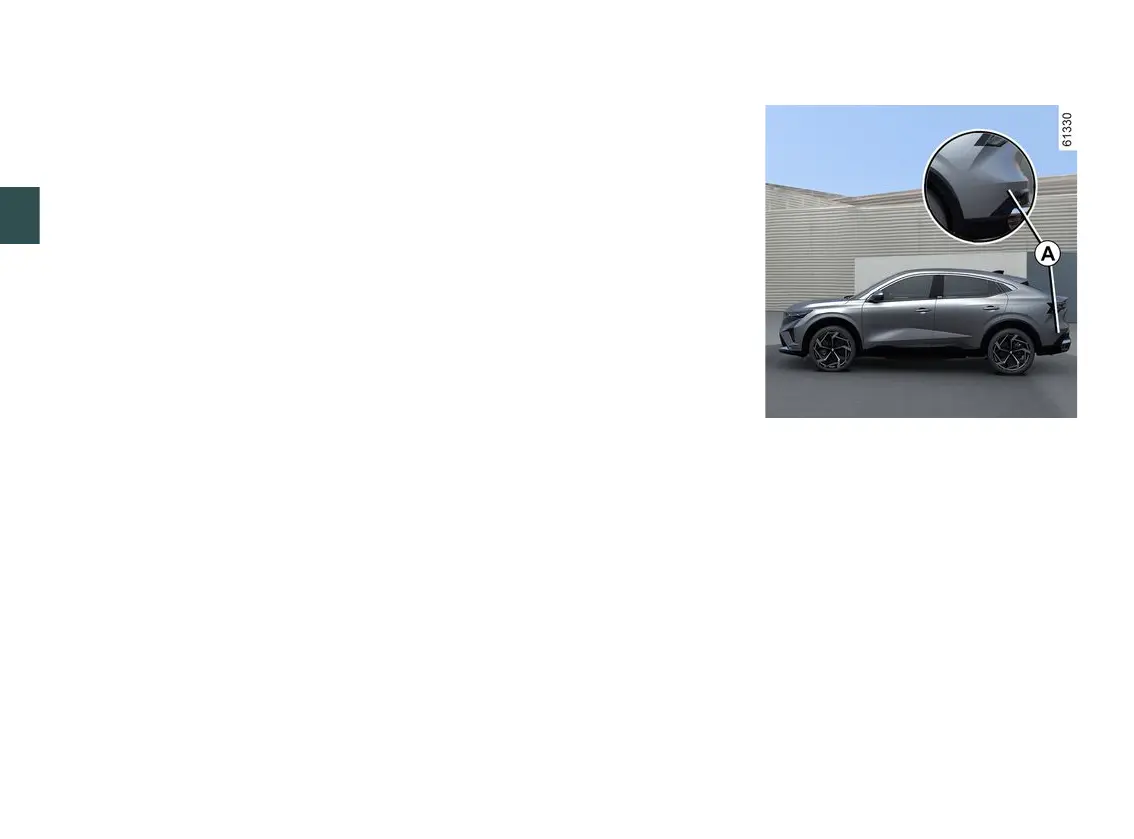
Parking exit warning
Usinginformationfromtheradarsin-
stalled on each side of the rear
bumper (zone
A
), the system notifies
thedriverwhenanothervehicleap-
pears in the detection zone
B
.
The function is activated if:
– the reverse gear is engaged;
and
– the vehicle is stationary or driving at
a low speed.



 To Next Page