2.4 Flight Profile
The new feature of freely adjustable profiles is very useful for
varying flying tasks. For any demand (thermalling, cross-country,
acro) there is a configuration you can pre-adjust and recall when
needed.
Hint: In delivery-state only profile 1 is active!
To use further profiles, they have to be activated in the menu.
By a brief push on the Rotary-Button you can shift between different
profiles.
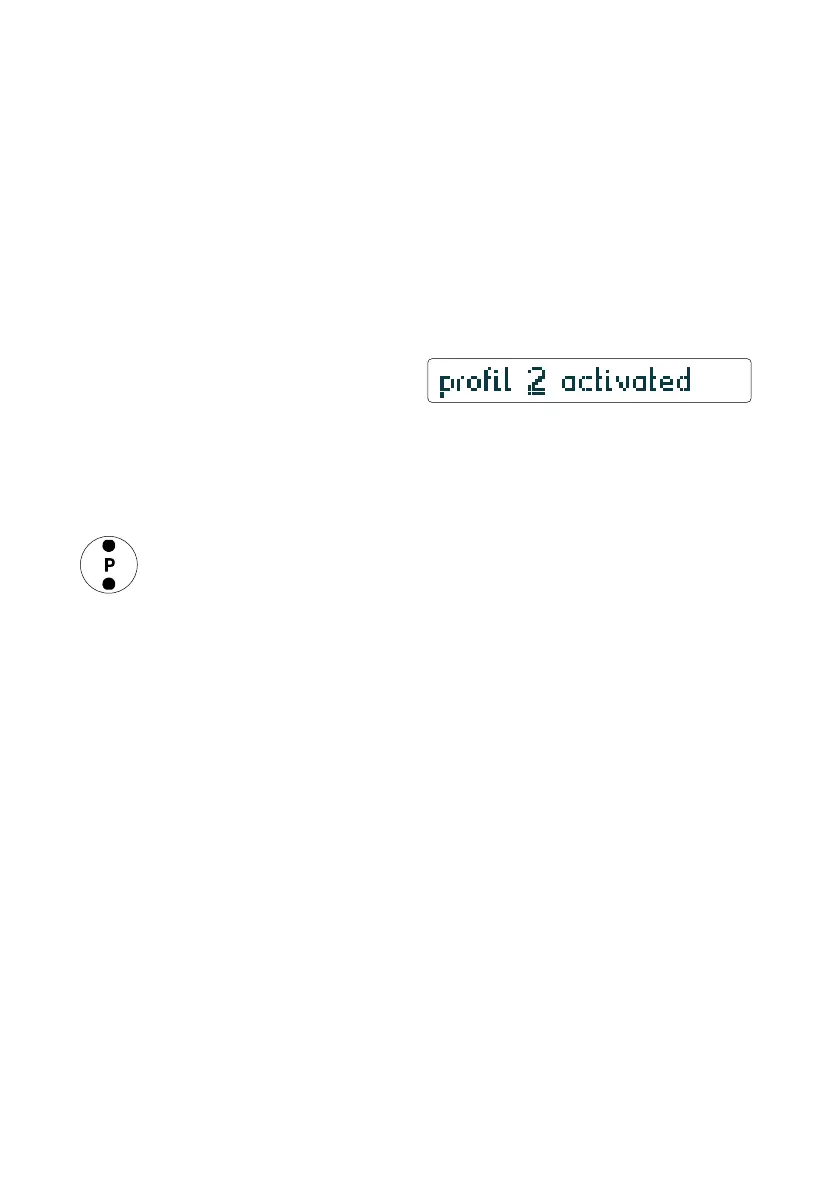
The page-indication briefly shows which profile is active
– for about one second.
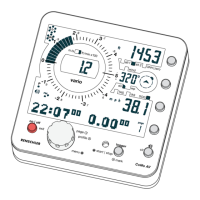
The profile-state-indication permanently displays the active
profile. The number of visible dots corresponds to profile-number
All adjustments in the menu can be stored within the actual
profile.
Example for practical use:
Set profile 1 for normal thermal conditions to descend-tone-
threshold 3 m/s and response-sensitivity to 1,0 sec.
When struggling in weak thermals set profile 2 so that the sink-
tone-threshold is 1.5 m/s and the response-sensitivity is 1.2 seconds.
15
profile-state-indication
profile 2 active
appears for 1 sec. after profile has been changed
temporary info


 To Next Page