25
3.6 Tracklog Data Transfer to the PC
To transfer the data to the PC you need to have the correct USB
driver on your PC. On most PCs this is already there, because we
use a very popular FTDI chip, which is supported by most operating
systems (see also 4.a).
a) Connect the CoMo via the USB cable to your PC
b) The PC assigns a virtual COM-port to your CoMo (see also 4.f)
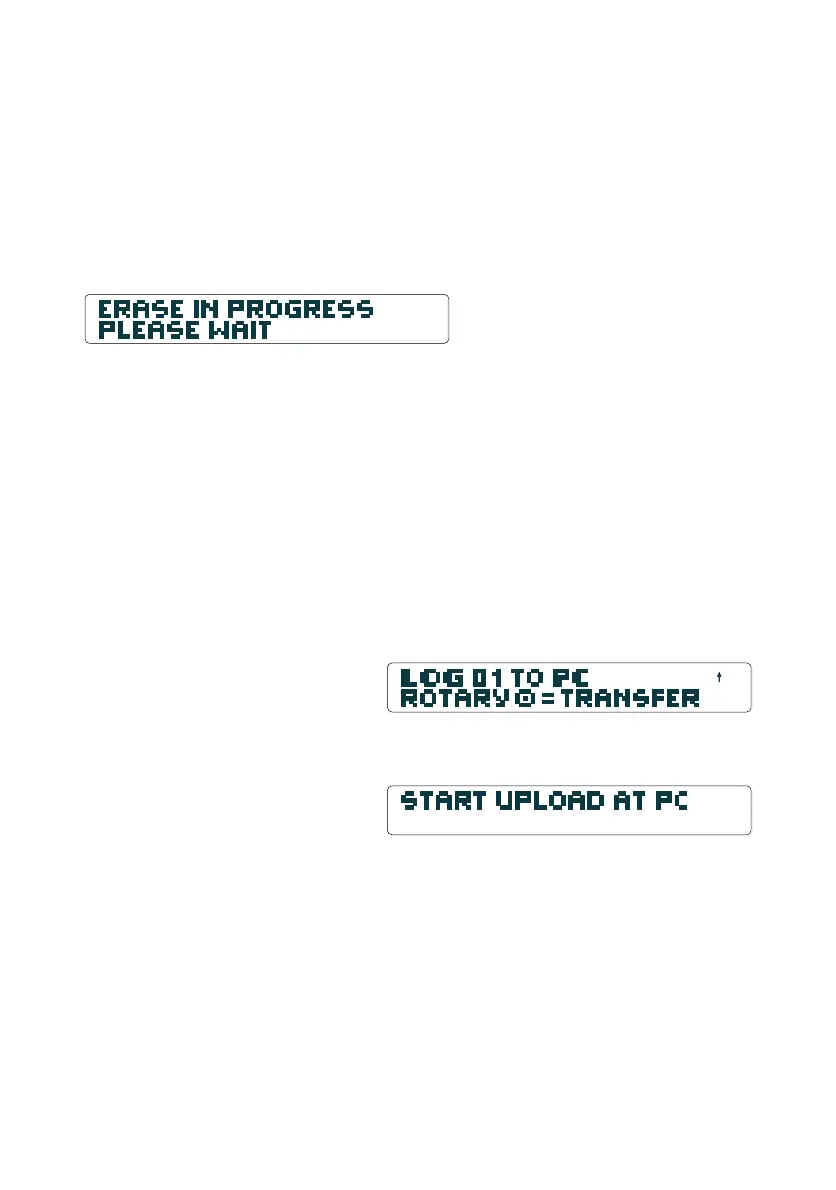
c) Enter the logbook at your CoMo using the Rotary-Button until
"log 01 to pc, press rotary for transfer" appears
Push the Rotary-Button to switch to transfer mode. The Display
reads:
d) Start your OLC upload program like Maxpunkte, CompeGPS
or SeeYou at the pc.
Hint: All programs supporting the MLR format can be used, e.g.
Kashmir in Japan. There are demo versions of the most popular
programs on our CD.
Hint for MaxPunkte user: At the first upload attempt a window
with the message "no argument for %d"might open. Initialise
Maxpunkte with the correct COM-Port setting and after restart
of the program this error message will not appear any more.
If you use several CoMos at the same PC, they will all get a unique
COM-Port number. So this has to be set up for every CoMo used.
3.5.2 Erasing the OLC-Logger Memory
The memory of the OLC-Logger will be erased completely in only
one step (flash memory). Ensure that all important flights have
been transferred to the PC before erasing the memory. The
function "erase memory" is in the menu: "settings"–"logger".
Tip: We recommend that you erase the memory immediately
after transferring data to the PC. If you experience problems
during the transfer, or if you have performed an update, erasing
the memory will re-initialise the file system.
Important: After a software update or a software hang the OLC
memory must be erased to ensure proper operation.
Logbook Display
The memory erase is started by a
long push on the clr-Button.
Logbook Display


 To Next Page