23
** only with Add-On "…GPS" and Add-On "OLC-Logger".
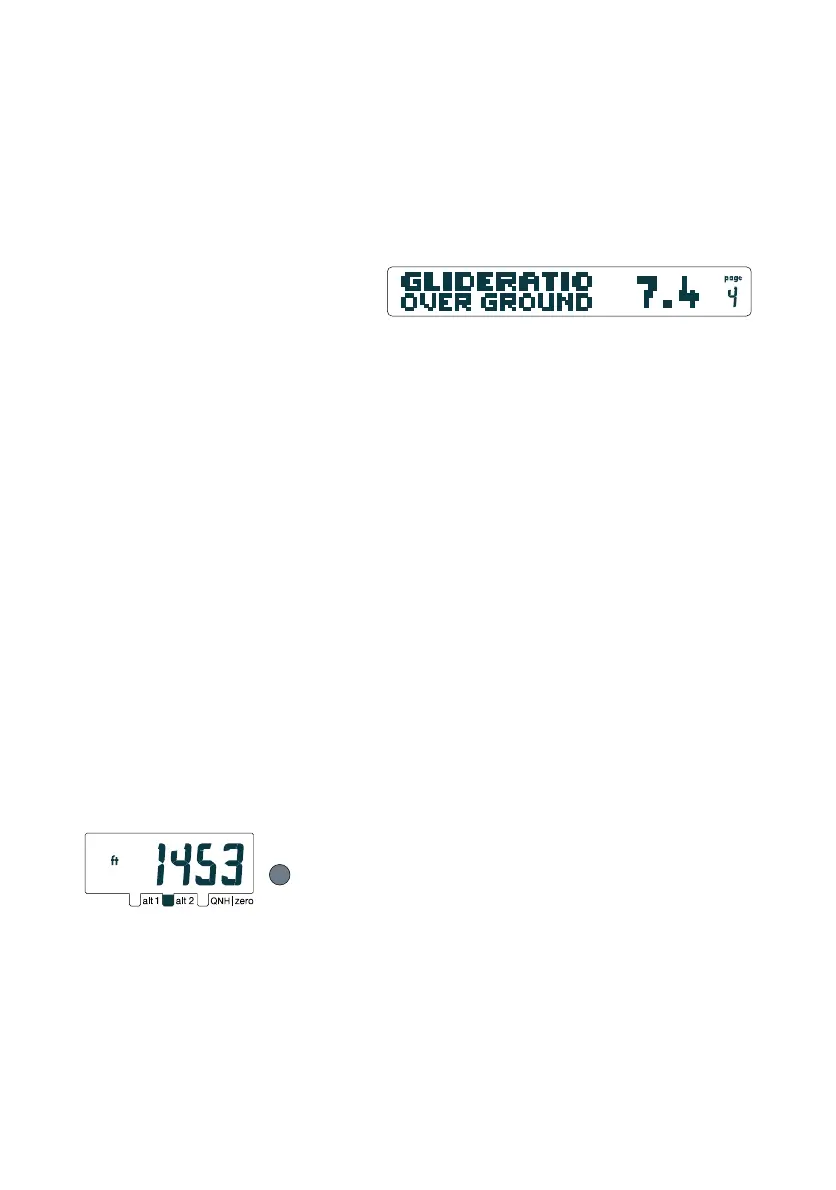
Glide ratio page
"alt 2" must be set to the correct
takeoff altitude e.g. 1453 ft
2.8.7 Glide Ratio over Ground (l/d ratio)
The glide ratio over ground is the ratio between your speed over
ground (delivered by the GPS module) and the digital vario value.
Example: Flying at 36 km/h (10 m/s) while descending at 1 m/s
means your glide ratio over ground is 10.
Important: The longer the timespan setting of the digital vario,
the smoother is the display.
Hint: on cross country flights this feature will help you to save
altitude on long, straight passages (e.g. while crossing a valley):
Always aim for the airspeed that provides maximum glide ratio
over ground.
Knowing your glide ratio over ground can also help you to judge
wind direction and wind speed.
If there is no data available, or when you are climbing, the display
will read 99.9.
3 OLC-Logger (OnLine Contest-Logger)**
3.1 Basic Information for operating the OLC-Logger
You can record the 3-dimensional position of your flight with
the OLC-logger. This is an indispensable feature for the Online
Contest participation and for any graphical representation of
your flight in programs like Google Earth et al..
Important: The CoMo records the position from the GPS and
the barometrical altitude "alt 2". Make sure "alt 2" is correctly
set. The CoMo does not record the GPS altitude (see also 2.8.4).
3.2 Start and Stop of a Tracklog
The OLC-Logger is started manually by a long push on the Logger-
Button (make sure your GPS is on, otherwise only the logbook
is started). The display switches automatically to the
time/stopwatch page, and the recording begins (stopwatch starts
running). The OLC-Logger has the same autostart function as
the logbook (see 2.6.1). The log is terminated by a long push on
the Logger-Button, or simply by switching off your CoMo.


 To Next Page