EN
128
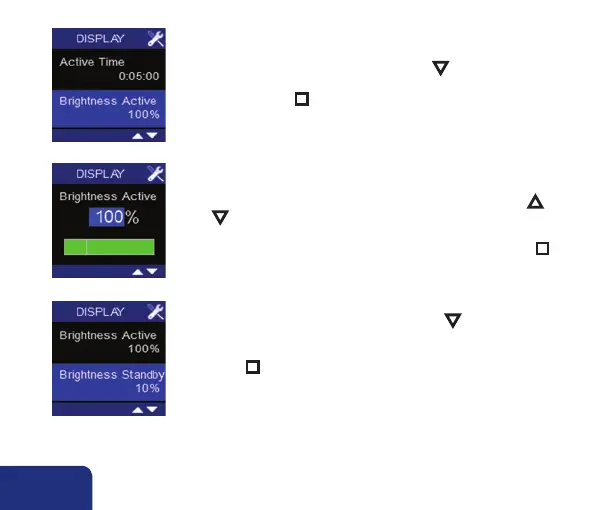
• Brightness Active lights up by pressing ▼. This represents the
light intensity of the display by command and is standardly set
at 80%. Press n to change the light intensity.
➎
➏
➍
You can enter a value between 25 and 100% by pressing ▲
or ▼. The light intensity changes along while you increase or
de- crease it, giving you in immediate idea of the requested inten-
sity. Confirm and save the chosen light intensity by pressing n.
• Brightness Standby lights up by pressing ▼.
This represents the light intensity of the display when it is putin
stand-by mode. Standardly the intensity is set at 20%.
Press n to change the light intensity.



 To Next Page