R 17A User’s Manual – Page 95
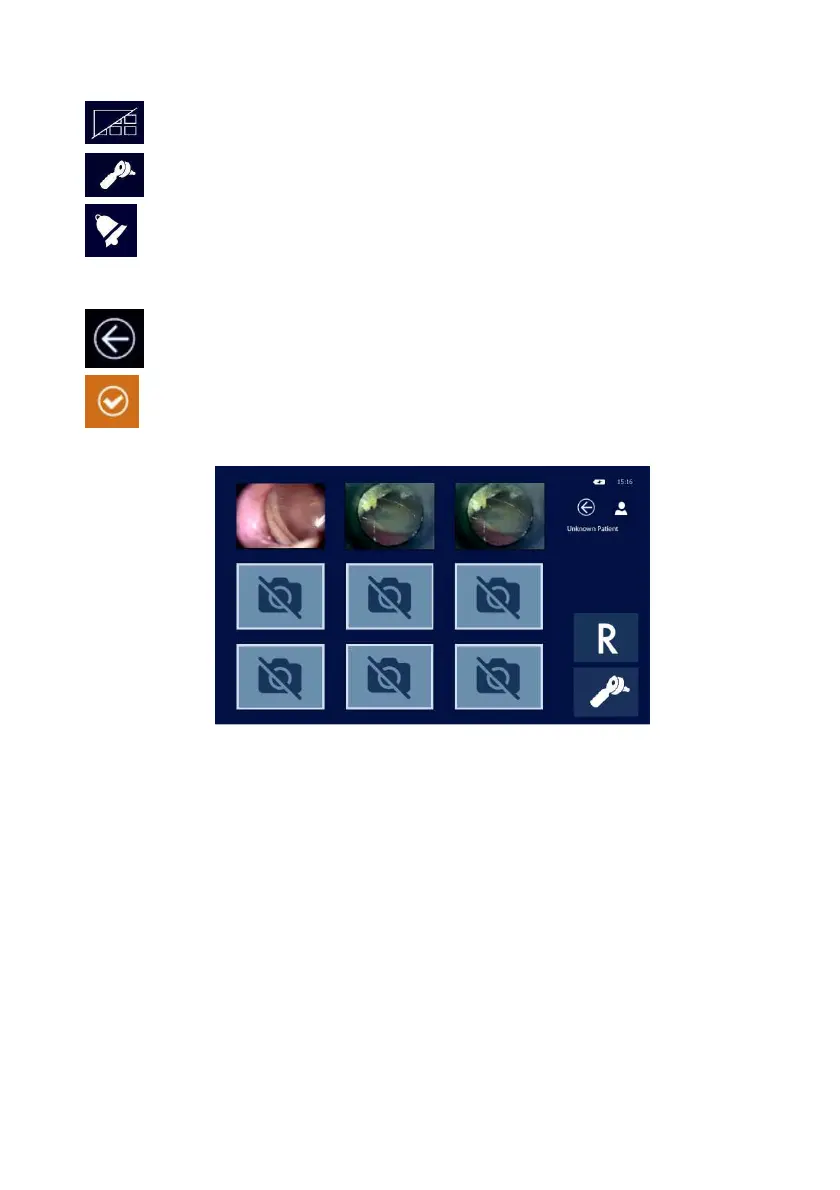
By pressing the Gallery icon you go back to all saved images in small size.
Press the Otoscope icon to leave the Gallery and go back to the otoscope main screen.
In order to delete an image keep your finger pressed on the small image you wish to delete for
a few seconds.
Test saving and exit
Pressing the EXIT button, a dialog box will pop up and ask if you wish to save and/or print the
test out on the thermal printer.
Press the icon corresponding to your wish: if you confirm you want to save the test, the R15C
will automatically address you to the patient database where the patient being tested can be
selected and confirmed. For additional information on the patient database, please refer to
section #6 in this manual.



 To Next Page