R 17A User’s Manual – Page 96
5. Setup settings
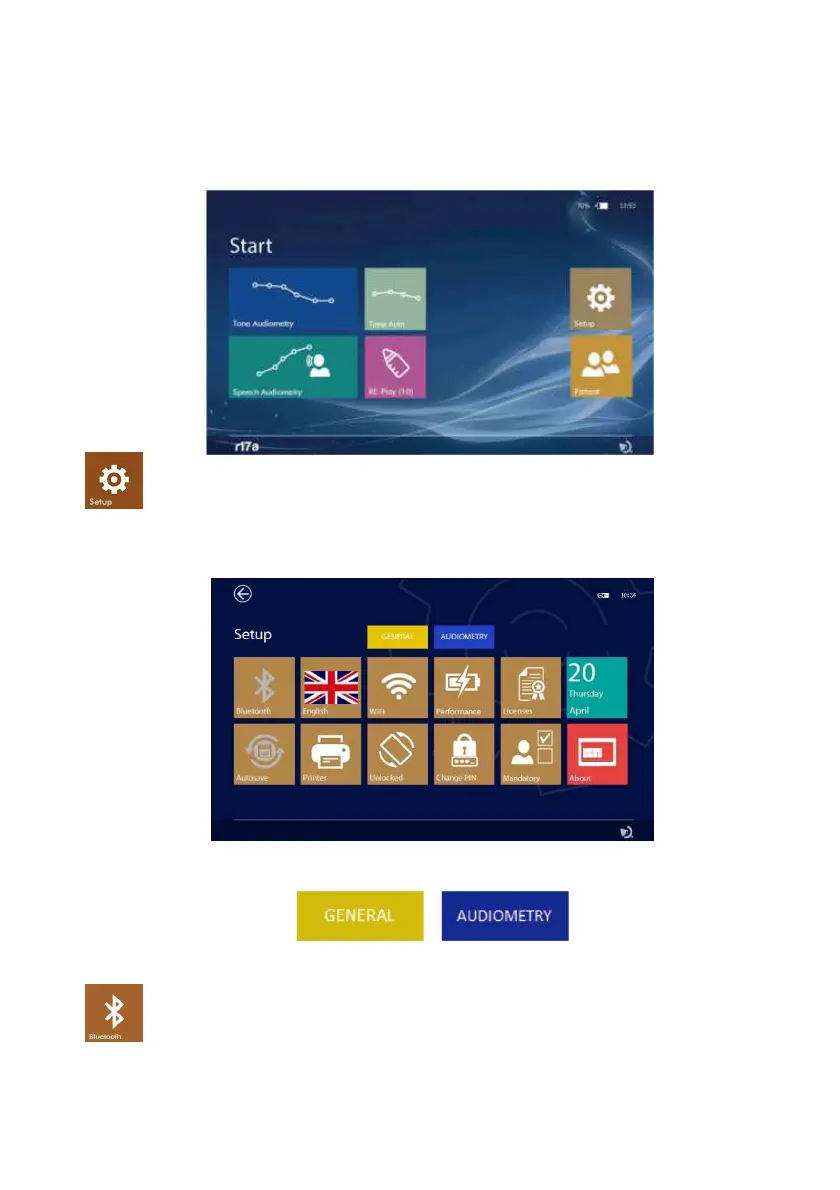
After switching on the device, set the parameters that affect the test operation.
Press the SETUP icon (see adjacent image) to enter the setup page, there the settings are
grouped as follow: GENERAL; AUDIOMETRY
5.1 General Setup
Press one of the tabs to access the respective Setup page:
Bluetooth
Press the BLUETOOTH icon (see adjacent image) to activate database data transmission to PC,
if set to OFF transmission is disabled.



 To Next Page