BiliTx Professional Manual
10
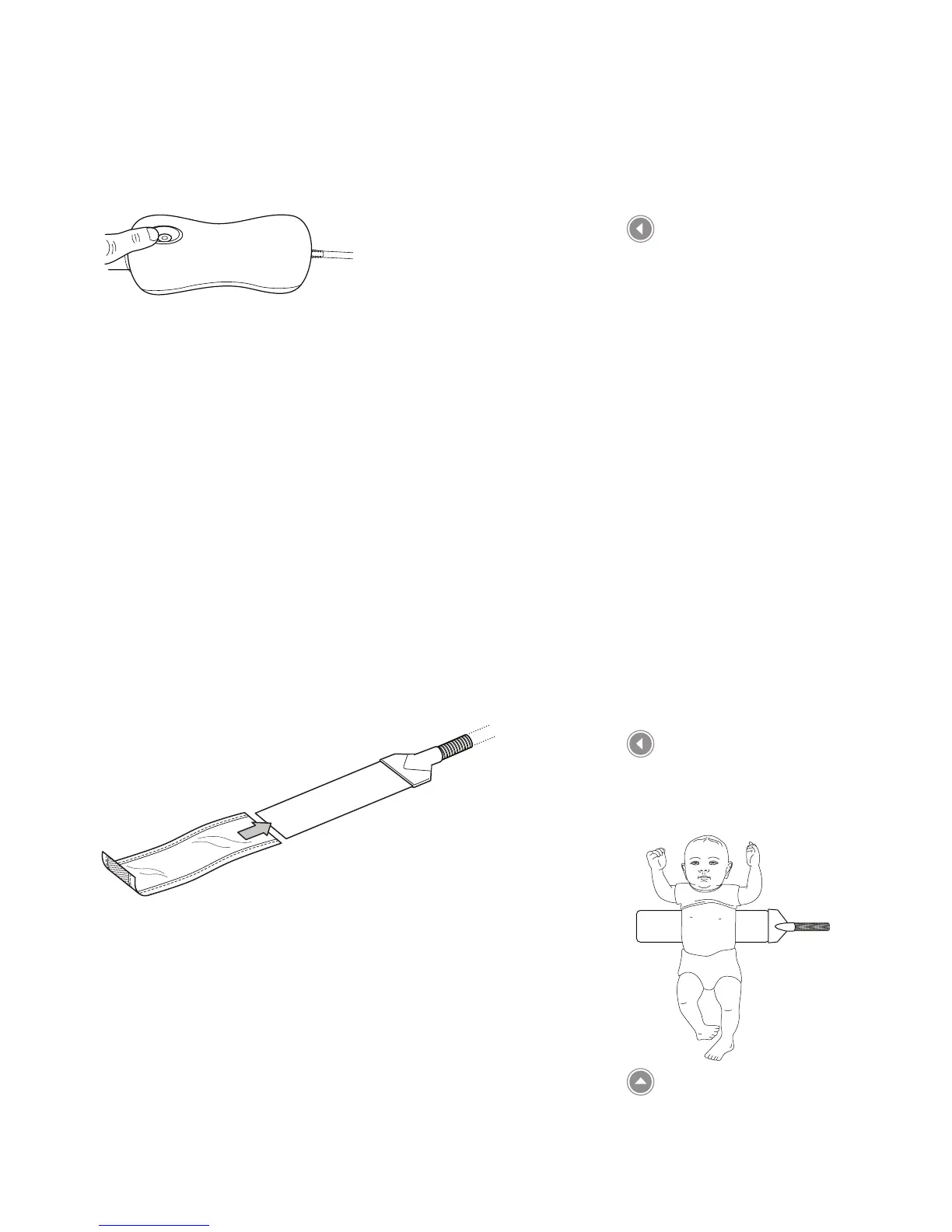
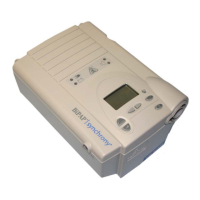
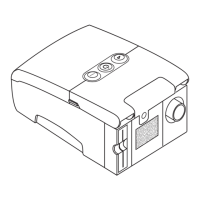
5. Press the Therapy On/O button to turn the Illuminator device
on and begin phototherapy. The Therapy button will illuminate
green.
6. To turn o the device when therapy is complete, press and hold
the Therapy On/O button for 3 seconds.
Setup - Wrap-Around Panel
This section explains how to prepare a baby for a phototherapy
treatment using the wrap-around ber optic light panel.
The ber optic panel must NOT be covered by anything except with
the cover provided. Any other type of cover could cause a reduction
in light intensity. The setup instructions must be followed exactly.
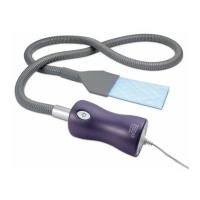
This panel provides full coverage around the baby’s torso. It is most
commonly used on patients at home.
1. Place a disposable or reusable cover onto the panel with the
light emitting side of the panel facing the sheer side of the cover.
2. Place the covered panel under the baby’s torso, positioning it so
it is under the baby’s armpits.
3. Wrap the panel around the baby. Use the tape or hook and loop
tabs to secure the panel around the baby.
Turning on the illuminator
device
Wrap-around panel with
disposable cover
Positioning the ber optic
panel




 To Next Page