Operation
6-5
Using the Ramp Time
function
The Ramp Time function helps your patient adapt to ventilation by gradually
increasing inspiratory and expiratory pressure (IPAP and EPAP/CPAP) from
subtherapeutic to user-set pressures over a user-set interval. Table 6-3 on
page 6-23 describes this function’s principles of operation.
Follow these instructions to use the Ramp Time function:
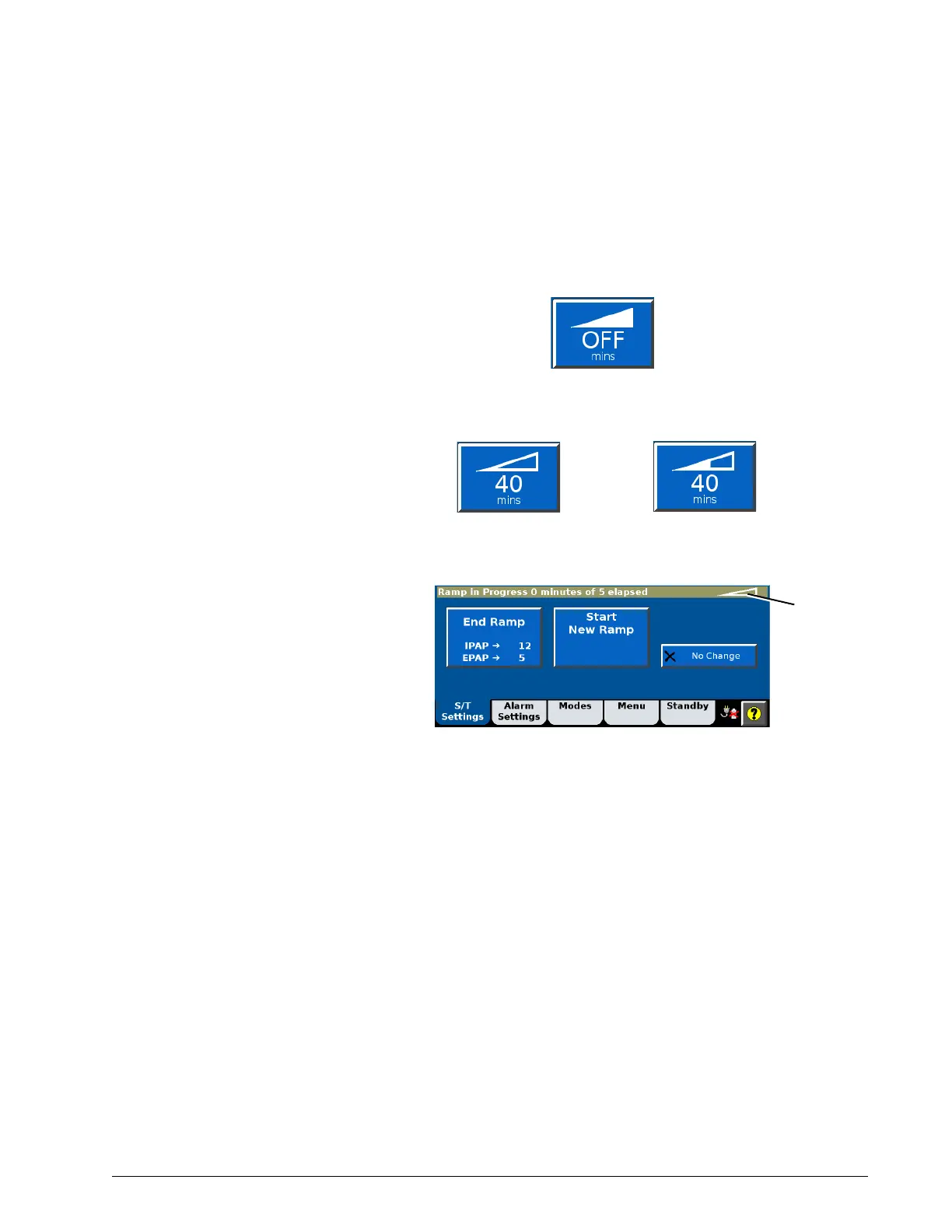
1. Select the Ramp Time button in the Settings window.
The ramp starts. As the ramp progresses, the Ramp Time button
graphic fills in.
2. To change the ramp interval or to end the ramp, select the Ramp Time
button again. The Ramp in Progress window opens.
3. To end the ramp and apply the full IPAP and EPAP/CPAP immediately,
select End Ramp.
4. To end the ramp and start a new one, select Start New Ramp. The
Ramp Time setting window opens again so that you can set up a new
ramp.













 To Next Page