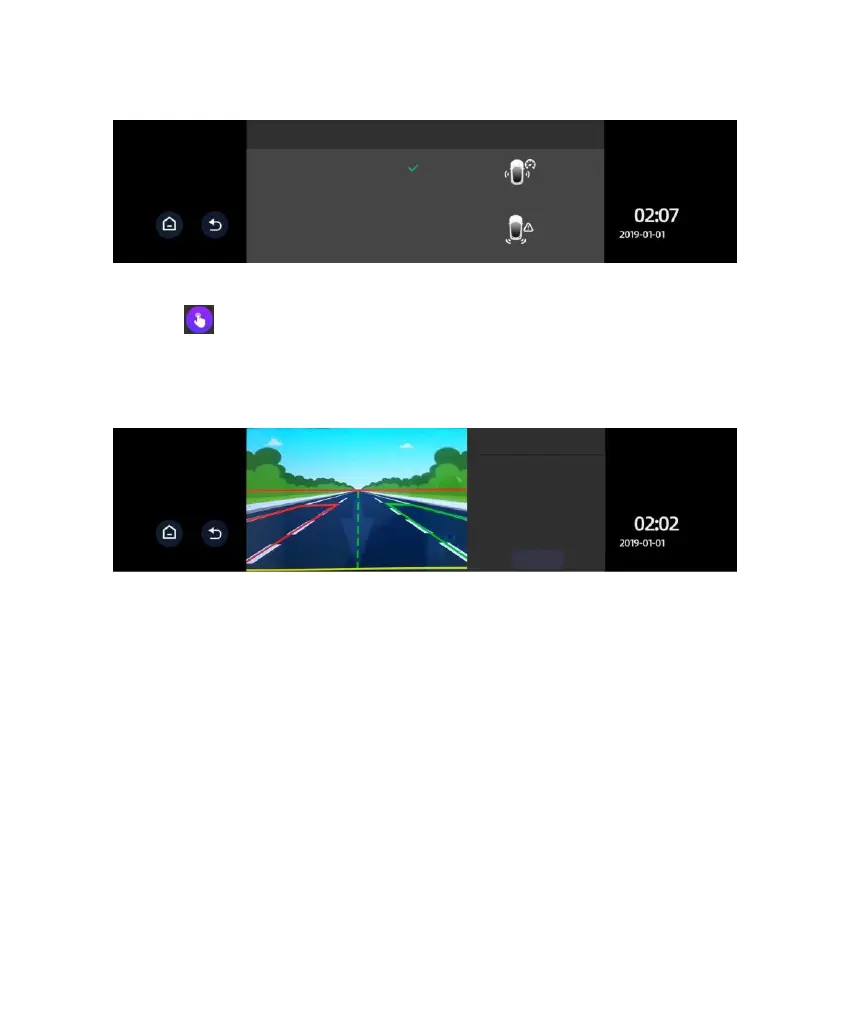
4. Click to access the BSD calibration interface. You will initially see the
concept and a brief introduction on the calibration page. Click Next to access
the real calibration interface, as shown below:
5. Move the red line up or down to the horizon (the intersection line between
sky and Earth). Move the yellow line up or down to the interface between the
car’s tail and ground. Move the green line left or right to the focal point where
the far end road intersects with the horizon. After proper adjustment, click Next
to access calibration of the warning range.
Note: The range of calibration of the line adjustment is limited. If extreme
adjustment is still unsatisfactory, it will be necessary to adjust the mounting
position of the camera or perform fine adjustments of the lens so as to align it in
the rearward direction.
The red line is the horizon, which
should be moved to the interface
between sky and ground. The green
line is the central axis, which should
be moved to the focal point where the
far end of road intersects with the
horizon. The yellow line is car’s tail
line, which is to be moved to the
interface between car’s tail and
ground.



 To Next Page