Audio streaming Audio streaming24 25
Pairing our specific transmitters
Each of our specific transmitters has to be paired once
with Smart Connect. You can use up to two of our specific
transmitters.
Preconditions:
Smart Connect is turned on.
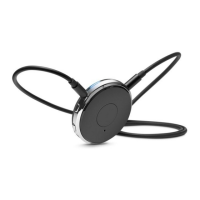
Neckloop is plugged into both sides, and
Smart Connect is worn around the neck.
Pairing our specific transmitters:
XTurn on the transmitter.
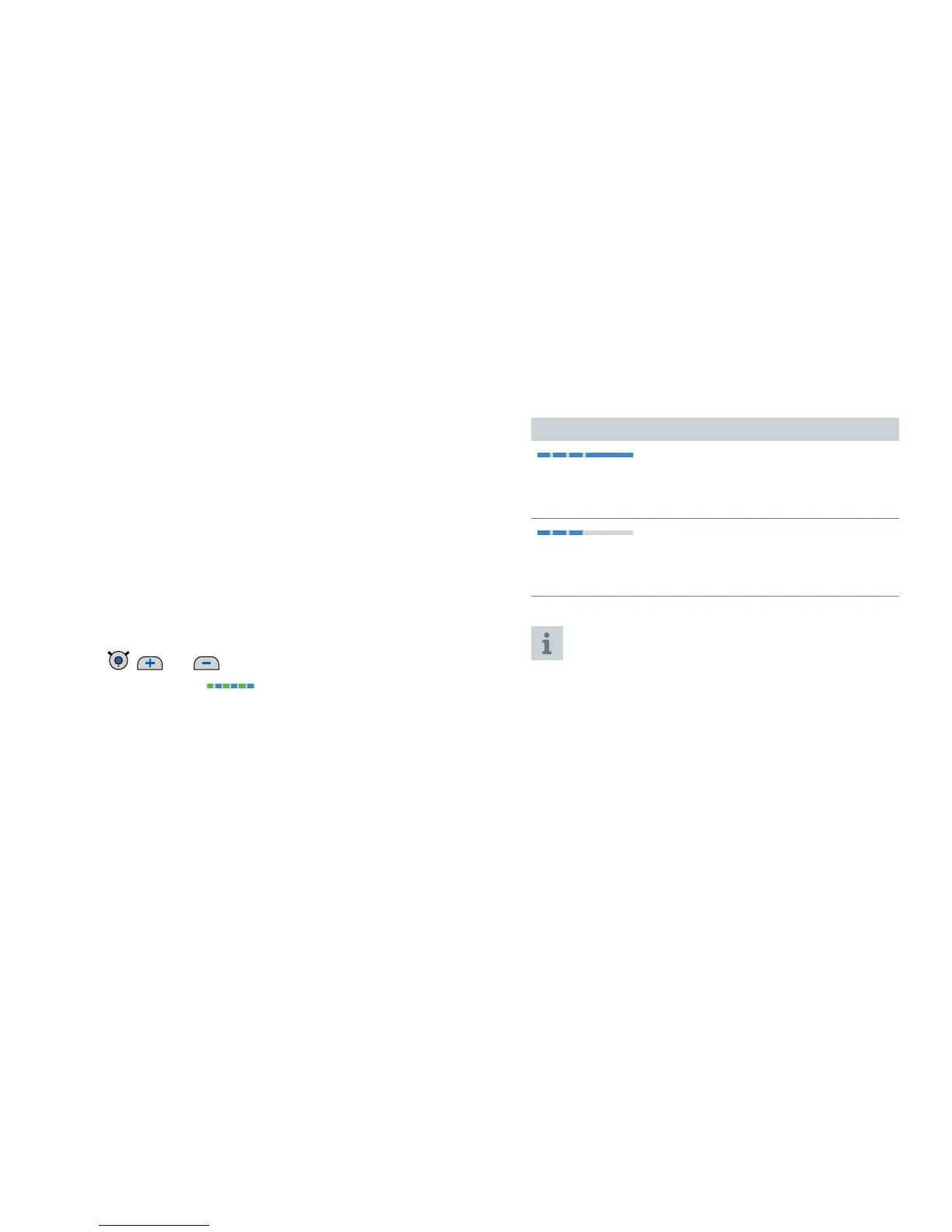
XPress , and simultaneously until the blue
and green LEDs flash
. This takes approximately
5 seconds.
Smart Connect searches for our specific transmitters
nearby.
Pairing may take several seconds. The blue LED indicates
the pairing status:
Pairing status for our specific transmitters
flashing, then on
➊
Pairing has been completed successfully. Streaming starts
automatically. You can now use the transmitter.
flashing, then off
➊
Pairing was not successful. In this case, ensure that the
transmitter is within operating distance and try again.
You can also use the Smart Connect App for pairing.
Further information:
If the transmitter is only temporarily (< 5 min) out
of operating distance, the transmission of the audio
signal is interrupted but automatically picked up again
when the transmitter is back within operating distance.
If a transmitter is already paired, you cannot pair it
again.


 To Next Page