Making phone calls Making phone calls28 29
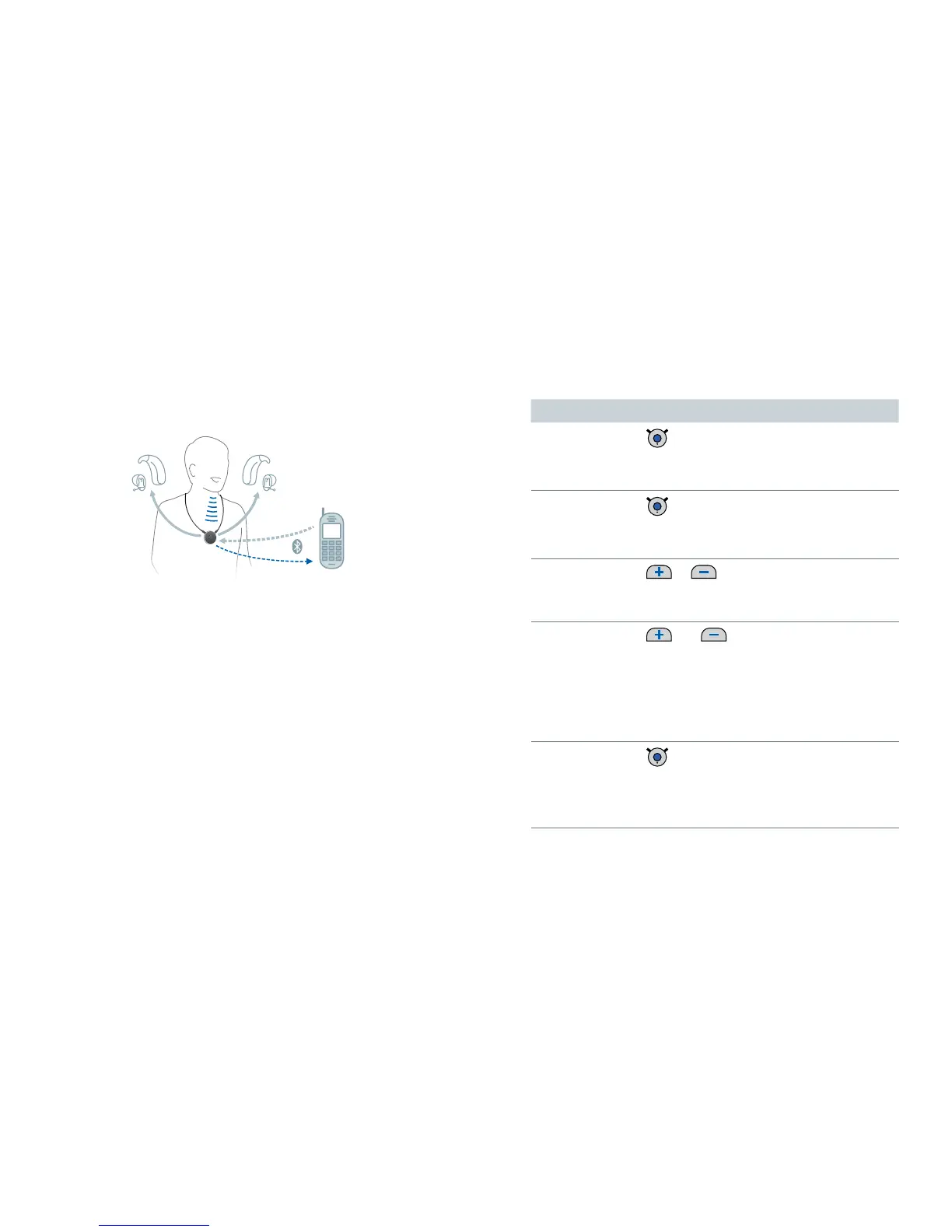
You can use your hearing instruments’ loudspeakers and
the microphone of Smart Connect for phone calls when
you are making a call.
Preconditions:
The phone must support Bluetooth.
The phone must be paired with Smart Connect (refer
to section "Pairing Bluetooth devices").
Making phone calls
Phone call functions
Function Description
Accept /
end a call
short press
Alternative:
Use your phone's accept/end function.
Reject a call
long press (more than 2 seconds)
Alternative:
Use your phone's reject function.
Volume
or
Press shortly to adjust step by step. Press
and hold until desired volume is reached.
Sound mixer
and
Press both buttons simultaneously to
switch between the following input
signals:
caller’s voice and ambient sound
only caller's voice
Hand call over
double-press
Hands the phone call from
Smart Connect to the phone or from the
phone to the Smart Connect.


 To Next Page