Important safety information Important information44 45
NOTICE
Your hearing instruments are designed to comply
with international standards on electromagnetic
compatibility but interference with nearby
electronic devices could occur. In this case, move
away from the source of interference.
NOTICE
For instruments with wireless connectivity:
When the telecoil program is active, the remote
control may cause a pulsing noise.
XUse the remote control with a distance greater
than 10 cm (4 inches).
NOTICE
XYour remote control is programmed to
exclusively communicate with your hearing
instruments. If you experience problems with
another person's remote control, consult your
Hearing Care Professional.
Intended use
The remote control is intended to operate hearing
instruments.
Use the remote control only as described in this user
guide.
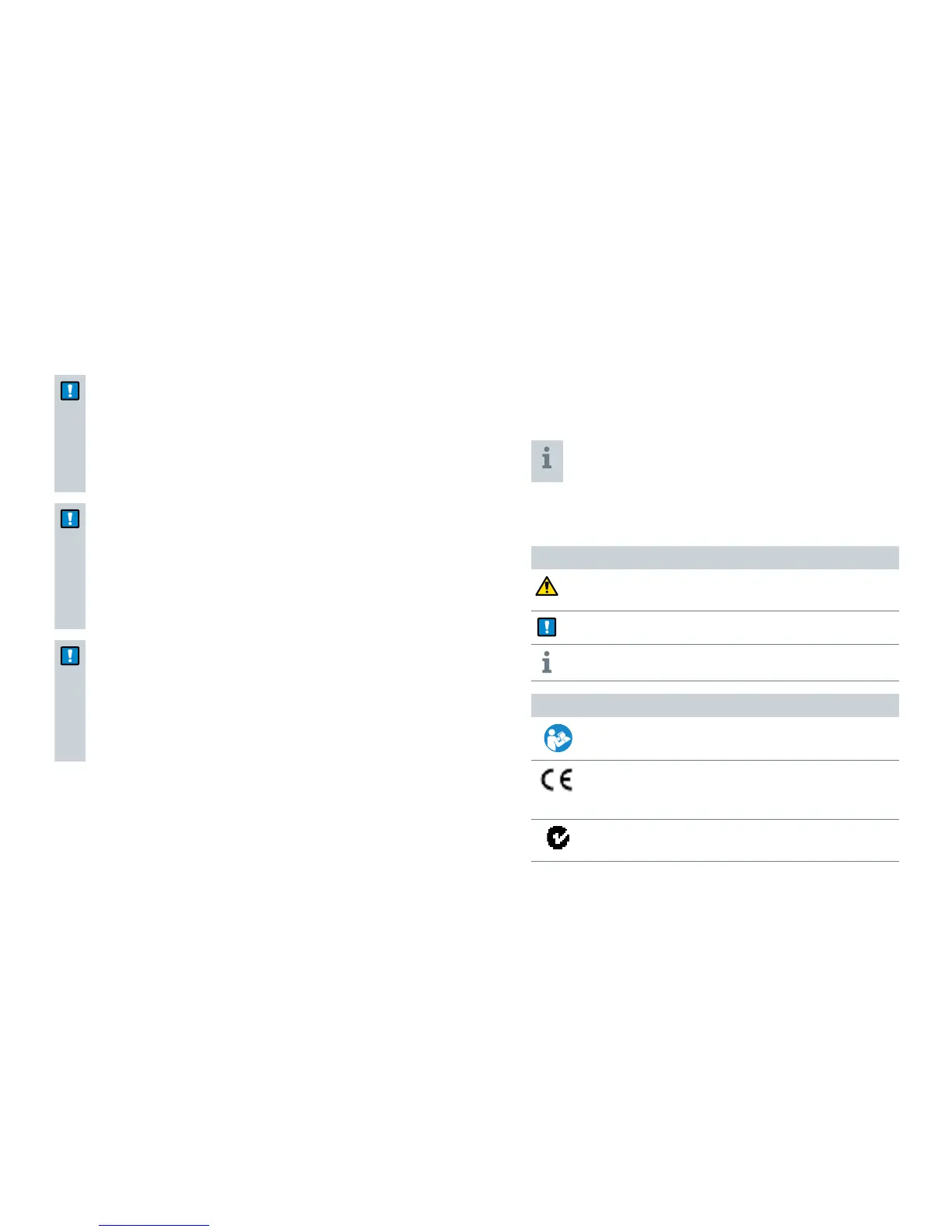
Symbols
Symbols used in this document
Points out a situation that could lead to serious,
moderate, or minor injuries.
Indicates possible property damage.
Advice and tips on how to handle your device better.
Symbols on device or packaging
Read and follow the instructions in the user guide.
CE compliance label, confirms compliance with
certain European Directives.
Refer to section "Conformance information".
EMC and radio communications compliance label
Australia
Important information


 To Next Page