Getting started Getting started14 15
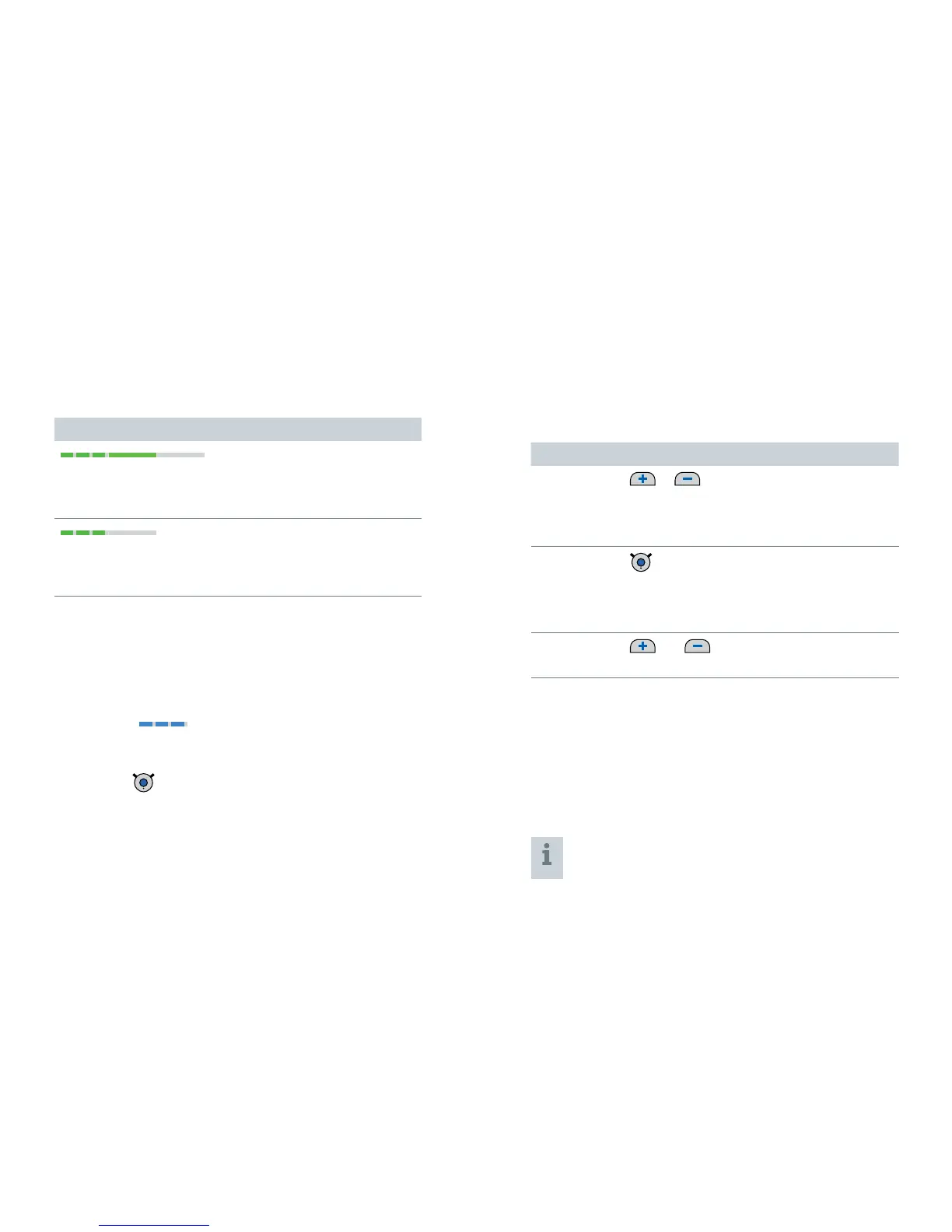
Pairing may take several seconds. The green LED indicates
the pairing status:
Pairing status for hearing instruments
flashing, then on for 5 seconds, then off
➊
Pairing is finished. An acoustic signal is played.
You can now use Smart Connect.
flashing for 10 minutes, then off
➊
Hearing instruments could not be paired.
Refer to section "Troubleshooting".
When pairing is finished, Smart Connect is ready...
... for remote control functions. Refer to section
"Remote control functions".
... for pairing Bluetooth devices as long as the blue LED
is flashing
. Refer to section "Pairing Bluetooth
devices".
If you want to pair Bluetooth devices not now but later
on, press
.
Remote control functions
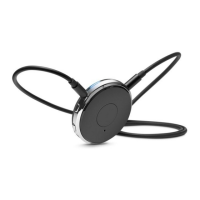
Smart Connect is a remote control for your hearing
instruments. The following functions are available:
Function Description
Volume
or
Press shortly to adjust step by step.
Press and hold until desired volume is
reached.
Hearing
program
short press
➊
Switches to the next hearing program.
This function is not available during audio
streaming.
Turn on/off
(standby)
and long press (2 seconds)
➊
Turns your hearing instruments on or off.
Further information:
If you are wearing two hearing instruments, both
instruments are adjusted at the same time.
After turning the hearing instruments on with
Smart Connect, the previously used volume and
hearing program are set.
You can quickly turn the hearing instruments back
on by pressing the multi-function button shortly.


 To Next Page