Audio streaming Audio streaming26 27
Audio streaming functions
For making phone calls, refer to chapter
"Making phone calls".
Function Explanation
Start
streaming
For Bluetooth audio devices:
Start audio playback on the audio device.
For standard line-in devices and
FM receivers: Plug the device.
For our specific transmitters:
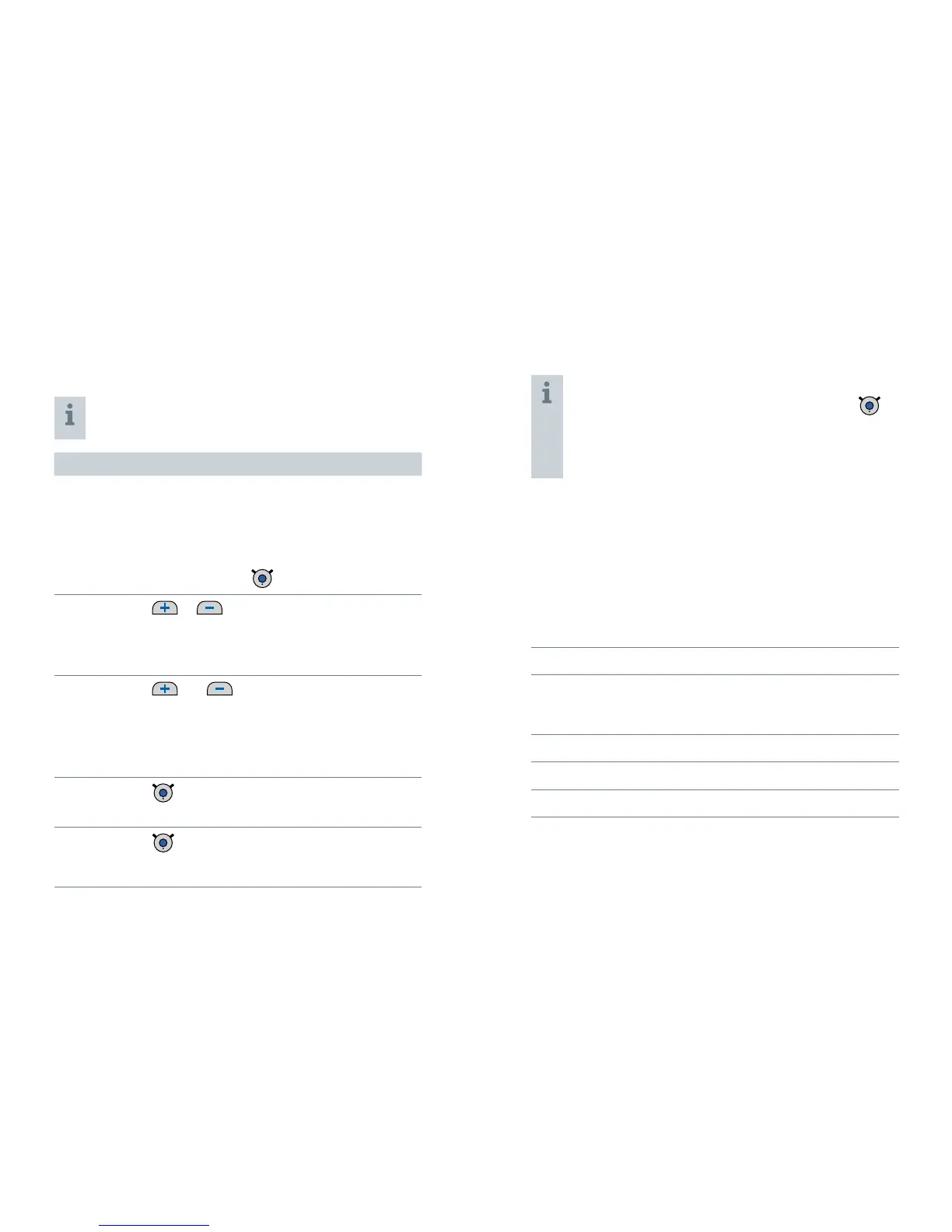
Double-press
.
Volume
or
Press shortly to adjust step by step.
Press and hold until desired volume is
reached.
Sound mixer
and short press
Press both buttons simultaneously to switch
between the following input signals:
Audio input and ambient sound
Audio input only
Stop
streaming
short press
The blue LED goes off.
Toggle
between
transmitters
double-press
Only for our specific transmitters.
For standard line-in devices and FM receivers you
can pause / play the audio stream by pressing
shortly.
When the audio stream is paused, the blue LED
goes off.
Several devices connected
If you connect more than one device to Smart Connect,
the last device connected is played.
If you turn on Smart Connect while more than one device
is connected, Smart Connect selects one of the signals,
according to the following priorities:
➊
Phone calls
➊
Bluetooth audio devices, for example the music
player of a smartphone or a tablet PC
(all but our specific transmitters)
➊
FM receiver
➊
Audio device (with standard 3.5 mm jack)
➊
Our specific transmitters


 To Next Page