Getting started Getting started16 17
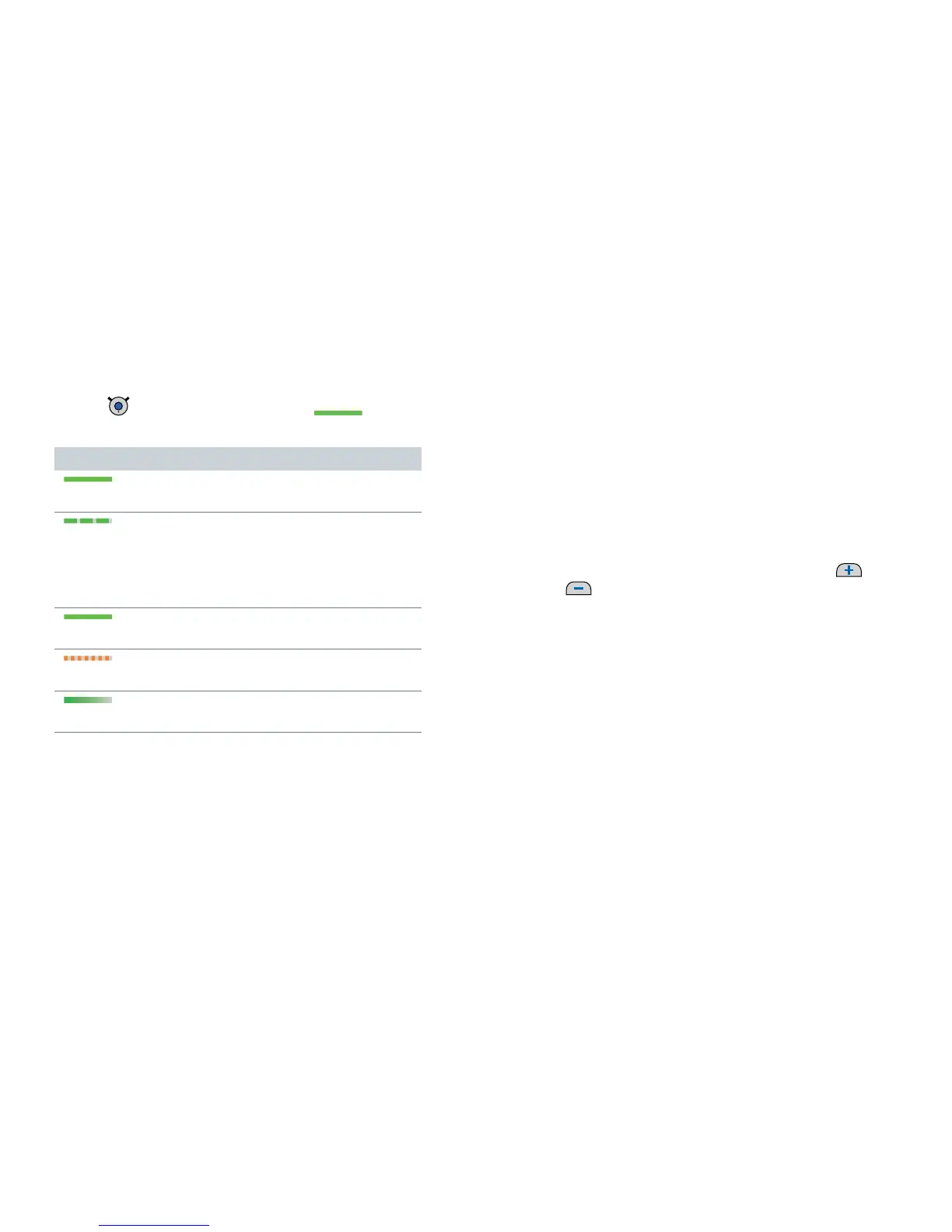
Turning Smart Connect on/off
XPress until the green LED turns on .
This takes approximately 2 seconds.
Status indication
on for 2 seconds
➊
Smart Connect is powering up.
flashing
➊
Establishing connection to hearing
instruments.
If the connection can be established
immediately, this status indication is skipped.
on for 5 seconds
➊
Hearing instruments are connected.
flashing fast for 10 seconds
➊
Battery is too low to turn on Smart Connect.
fades off
➊
Smart Connect turns off.
Further information:
The hearing instruments are not automatically turned
on or off when Smart Connect is turned on or off.
After turning on, Smart Connect searches for
10 minutes for hearing instruments. If no hearing
instruments can be detected during that time,
Smart Connect switches off automatically.
In this case: Ensure that the hearing instruments are
turned on and try again.
To check if Smart Connect is turned on, press
or
. If the green LED lights up, Smart Connect is
turned on.


 To Next Page