LOGO Freeze: Enable or disable Logo freeze function.
LOGO On/Off: Enable or disable Logo load function.
Start Capture LOGO: Setting above info then push this button to confirm, enable to capture logo.
3.10 Using Black Out
Black out descriptions:
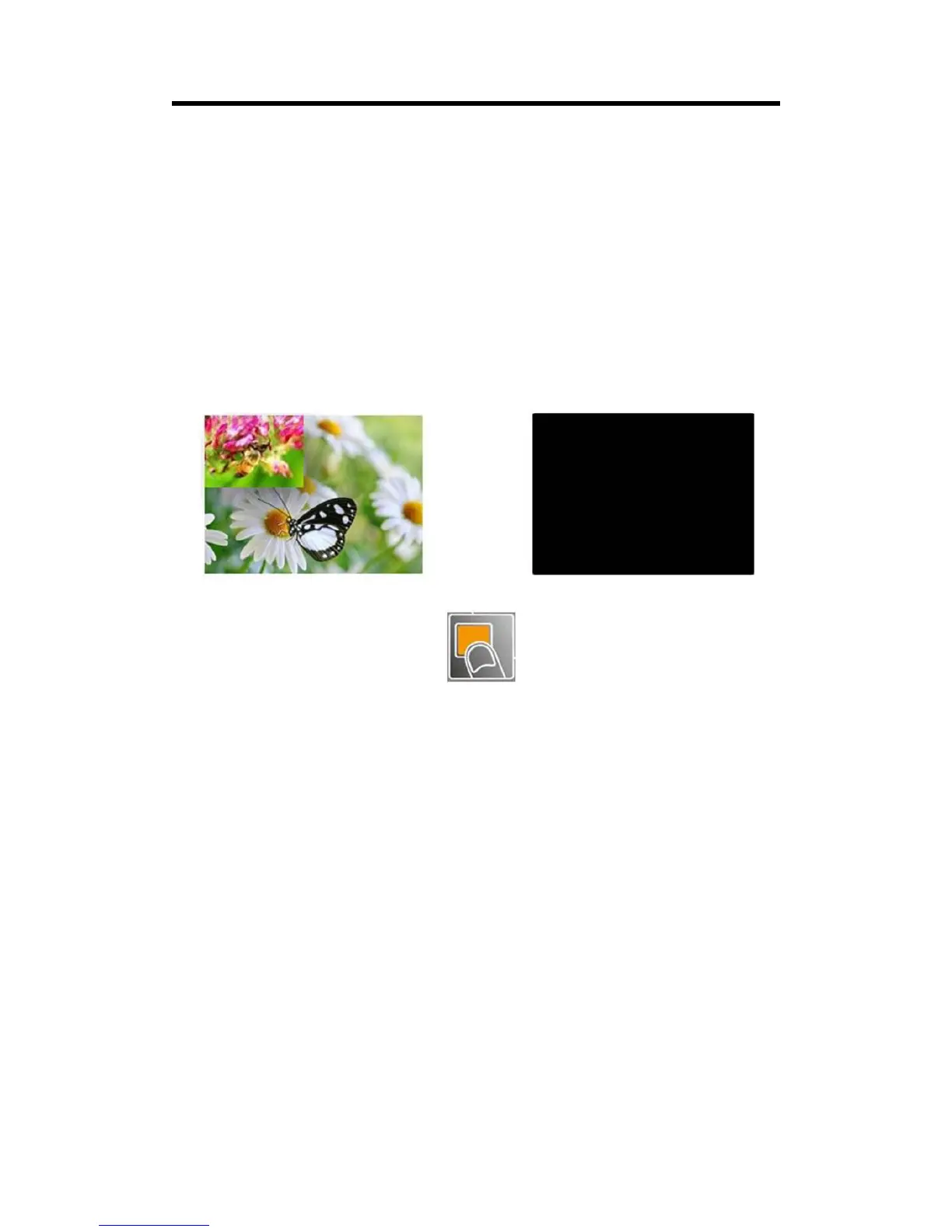
Black signal realizes one-key-touch to a black screen.
VENUS X1PRO-E provides black effect processing for output with cut black effect. Operation is as
below:
Push the [BLACK/0] button, then output will cut to BLACK, shown as below:



 To Next Page