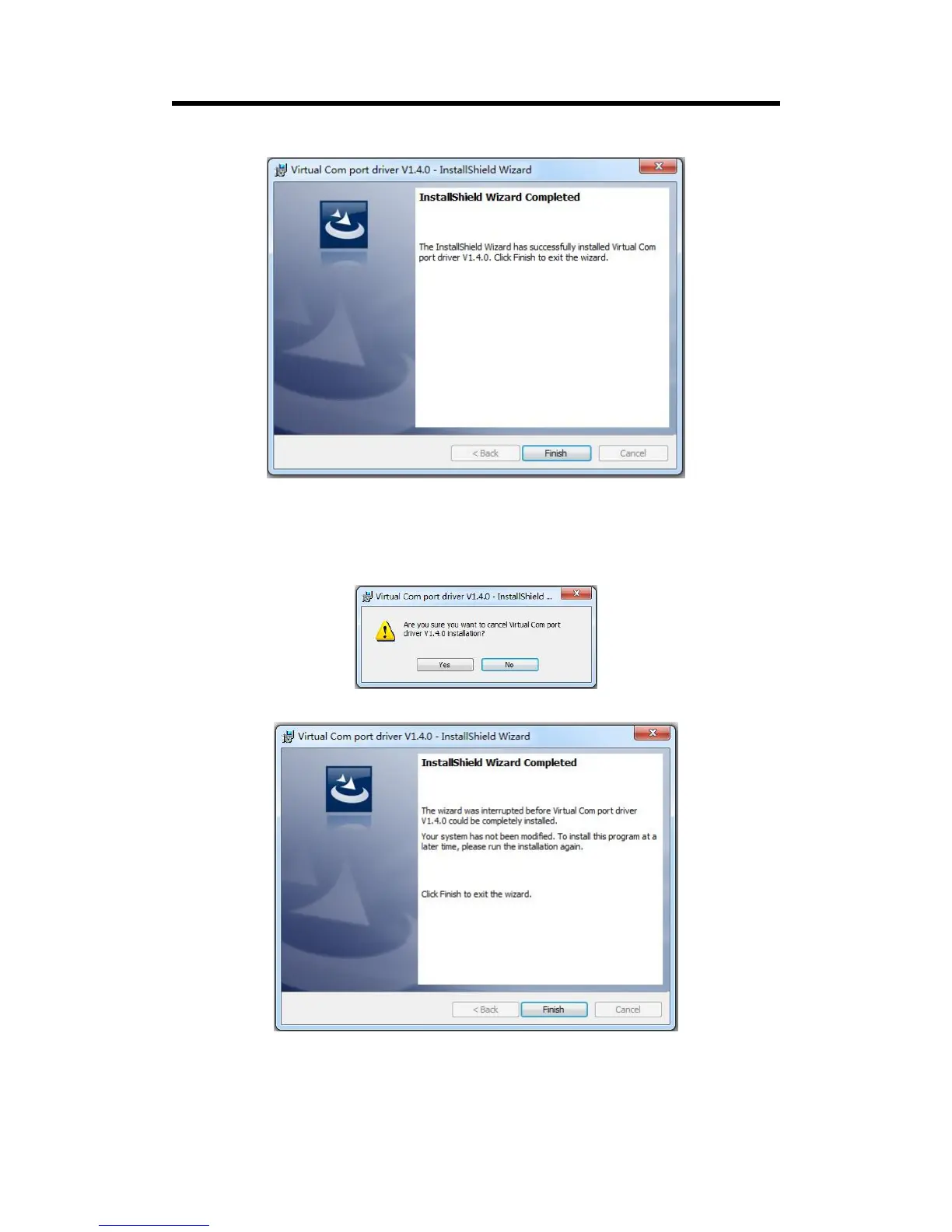
Click “Finish” and complete the installation, as shown in the figure below:
Then it will pop up the window of installation wizard for device driver, click “Next” to
complete the installation.
(2) If user have installed the XTOOL software before, click “Cancel”, and it will pop up the window
as below:
Click “Yes” to cancel installation.
Click “Finish” to exit installation.
Then it will pop up the window of installation wizard for device driver, click “Cancel” to exit
the installation.
Click “Finish” and is ready to run the XTOOL software:



 To Next Page