Beijing RuiZhitianhong technology Co.Ltd.
ADD.:A308 jiahua building, 9 Shangdi 3rd Street, Haidian District, Beijing. P.C.:100085.
Dell:+86-10-62970368/82923063 Fax:+86-10-82920078 URL:www.richnc.com.cn 9
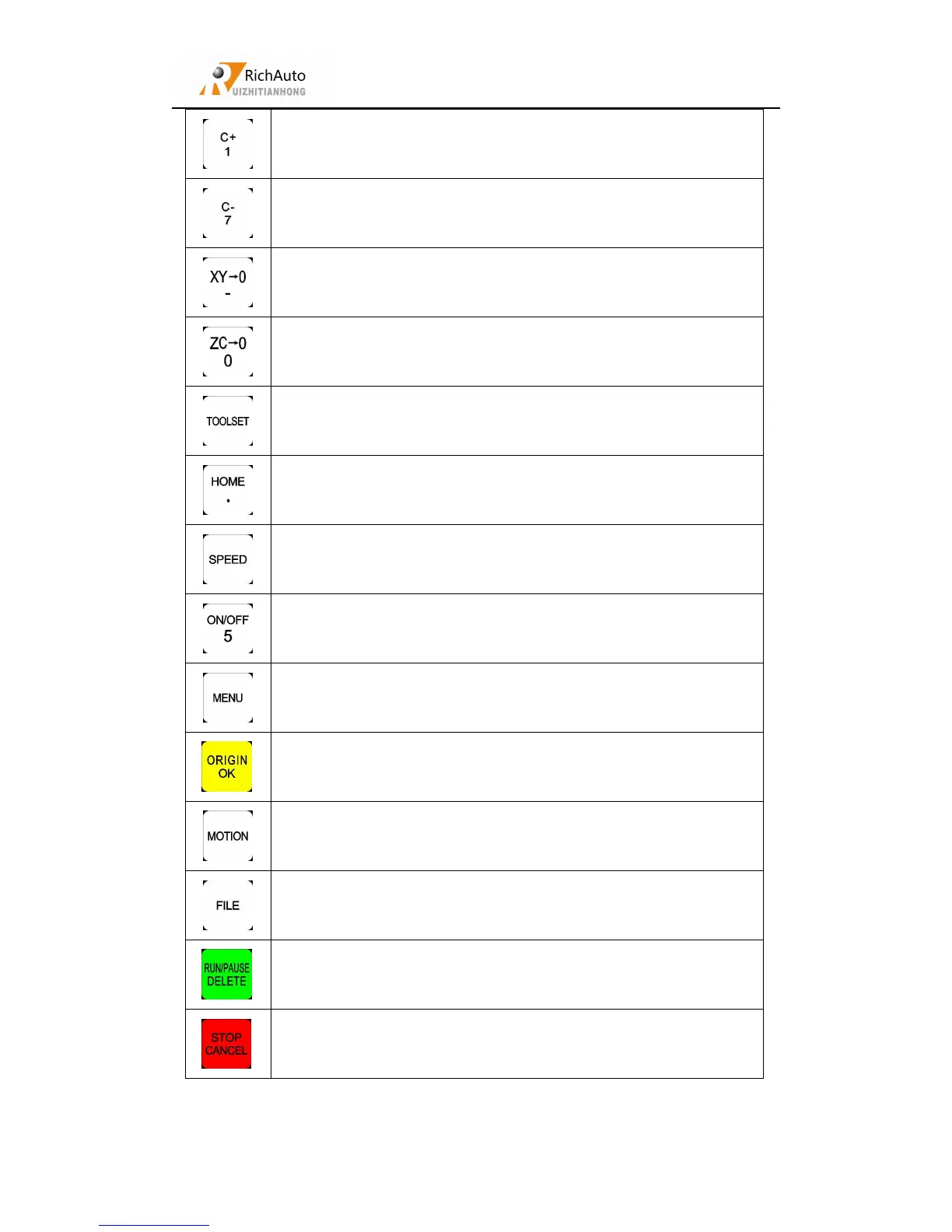
Positive movement of X axis、figure 1 inputting
Negative movement of X axis、figure 7 inputting
Set X axis and Y axis work origin、negative sign inputting
Set Z axis and C axis work origin、figure 0 inputting
Start Z-axis automatic tool setting
Machine back home、decimal point inputting
High or low speed selection under manual mode
Spindle start/stop、figure 5 inputting
Back to work origin,confirm motions /inputting/operating
Manual mode-continue/step/distance to select
Load processing filefrom Udisk or Internal
Quit process stop/selections, inputting and operating cancel、start
“The display function list
”



 To Next Page