Beijing RuiZhitianhong technology Co.Ltd.
ADD.:A308 jiahua building, 9 Shangdi 3rd Street, Haidian District, Beijing. P.C.:100085.
Dell:+86-10-62970368/82923063 Fax:+86-10-82920078 URL:www.richnc.com.cn 56
ratio and Falling down speed ratio.
Setting:Press
“ ”、“ ”
to move the cursor to choose different
setting item, press
“ ”
to modify the value (next value setting is the same as
this one). After finished setting all values press
“ ”
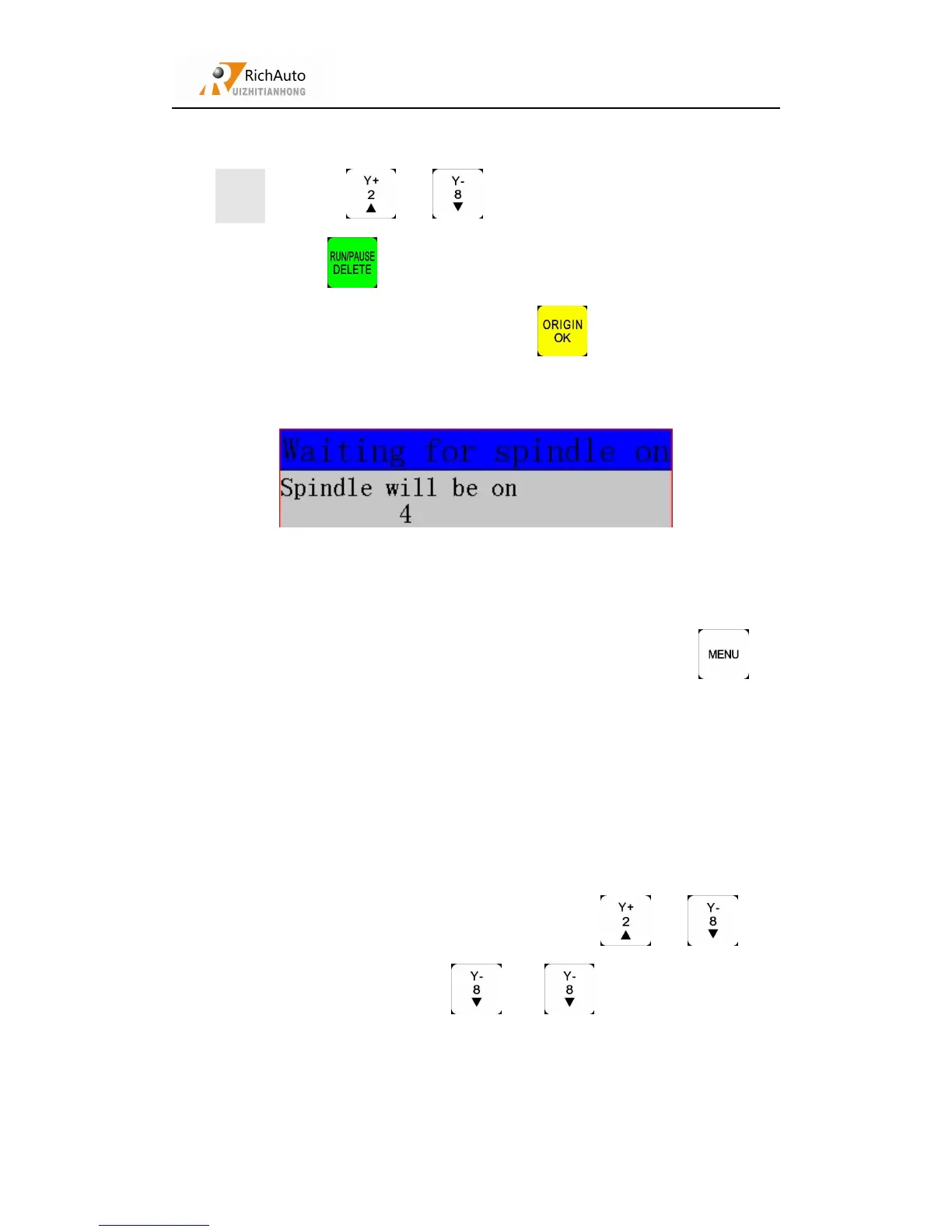
to confirm. Waiting for
spindle on.
System will start processing after spindle on. During processing, user can check
processing status at machine status area.The processing status including real-time
processing speed, processing time, file line number, G code etc. Press “ ”to
switchover the content of machine status area.
In process of processing, During processing, press
“ ”、“ ”
can
change speed ratio, each time press “ ”/“ ”, the ratio will increase/
decrease 0.1.The processing speed ratio max 1.0, min 0.1, speed value will change
while you change speed ratio, but time value can not be changed. current speed= work
speed *speed ratio.



 To Next Page