Beijing RuiZhitianhong technology Co.Ltd.
ADD.:A308 jiahua building, 9 Shangdi 3rd Street, Haidian District, Beijing. P.C.:100085.
Dell:+86-10-62970368/82923063 Fax:+86-10-82920078 URL:www.richnc.com.cn 55
Press zero clearing
“ ”
to set Z axis origin. It should be noted, if user has
already used the automatic tool setting function, he will no need to press
“ ”
for clearing. Only press
“ ”
will start tool setting function.
5.4.2 Load processing file
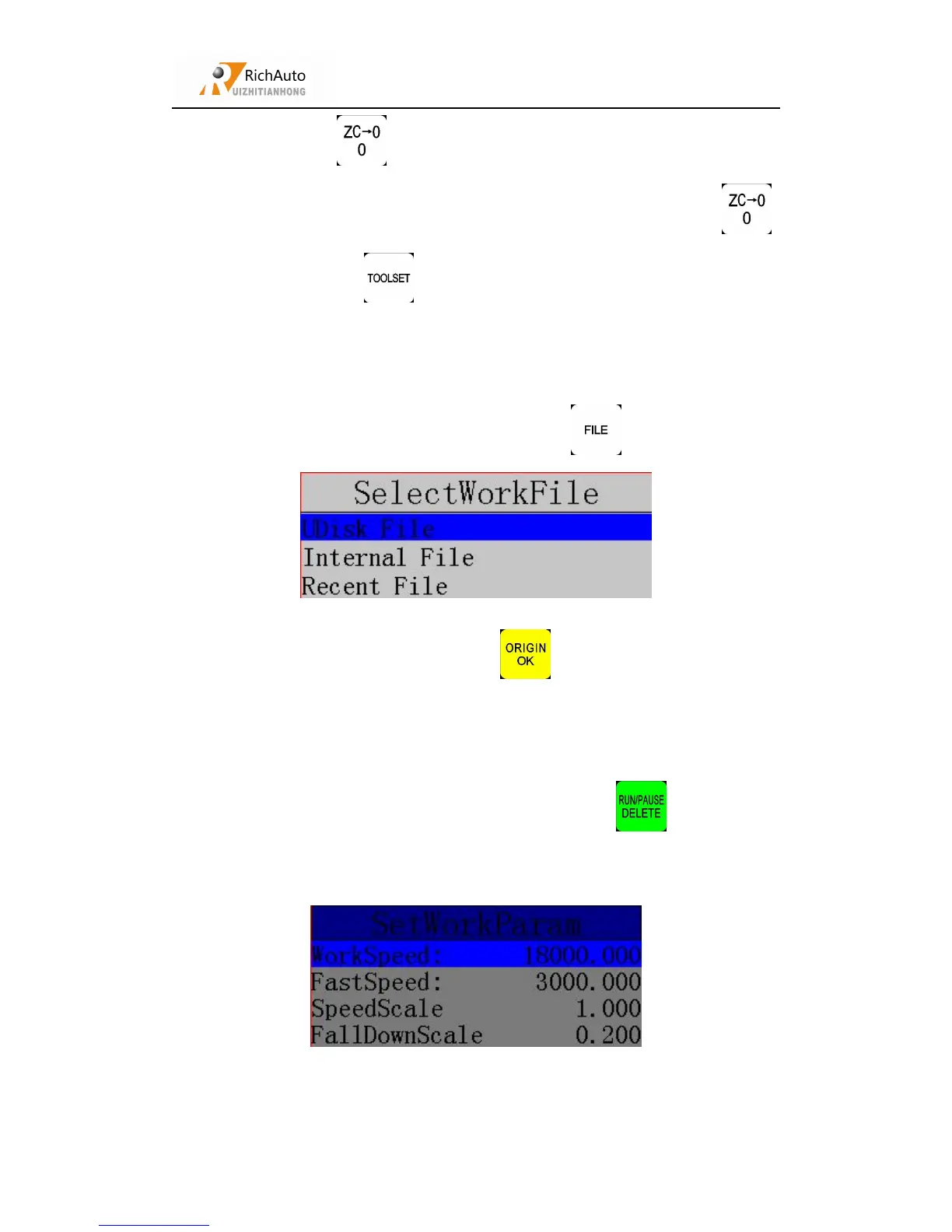
Insert Udisk(containing processing files),press“ ”,screen shows:
Choosing required file, and then press“ ”to confirm.
5.4.3 Set processing parameters
After the completion of loading processing file, press
“ ”
, it will popup
processing parameters list:
User can modify the parameters which include: Work speed, Fast speed, Speed



 To Next Page