Beijing RuiZhitianhong technology Co.Ltd.
ADD.:A308 jiahua building, 9 Shangdi 3rd Street, Haidian District, Beijing. P.C.:100085.
Dell:+86-10-62970368/82923063 Fax:+86-10-82920078 URL:www.richnc.com.cn 71
to the original workpiece origin.
X、Y axis size: New processing file size.
X negative gaps: See the bottom mark, in X direction, processing origin is
moved back for 10mm.
X positive gaps: See the bottom mark, in X direction, processing origin is
moved ahead for 10mm.
Y negative gaps: See the bottom mark, in X direction, processing origin is
moved back for 10mm.
Y positive gaps: See the bottom mark, in X direction, processing origin is
moved ahead for 10mm.
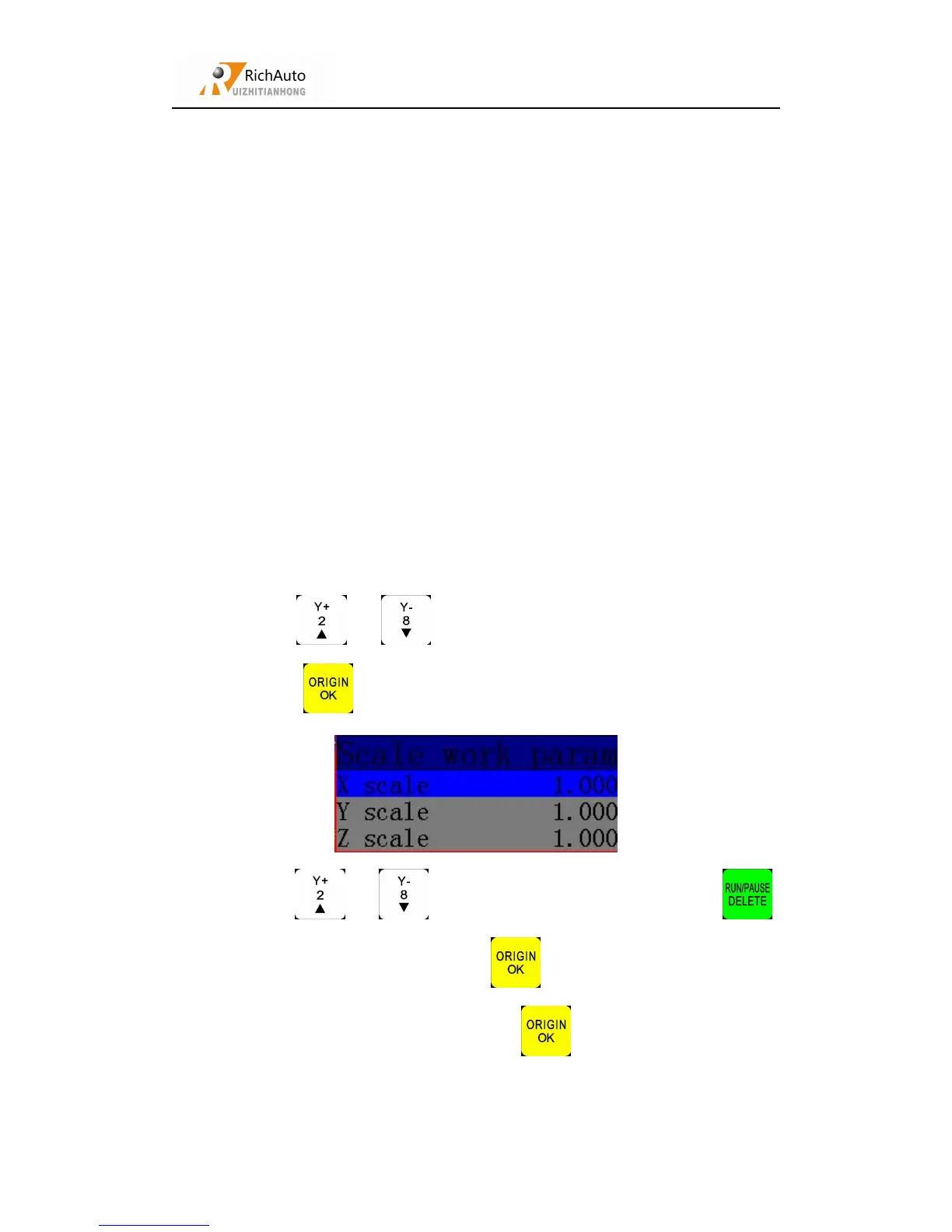
If user needs to view different sizes processing file, he can use ZOOM. Input
the zoom ratio to process.
Operate steps:



 To Next Page