Beijing RuiZhitianhong technology Co.Ltd.
ADD.:A308 jiahua building, 9 Shangdi 3rd Street, Haidian District, Beijing. P.C.:100085.
Dell:+86-10-62970368/82923063 Fax:+86-10-82920078 URL:www.richnc.com.cn 72
Copy upgrade file to U disk , and insert U disk into handle , file format :
extension ******. PKG & shown as rz-xxxx.Operate as follow:
U Disk Upgrad Method 1
1
、
Press “ ”to enter “Switch user interface”,choose“Menu function user
interface”,and then press
“ ”
to enter
,
press
“ ”、“ ”
to choose
“
System Setup
”,
press
“ ”
to enter.
2
、
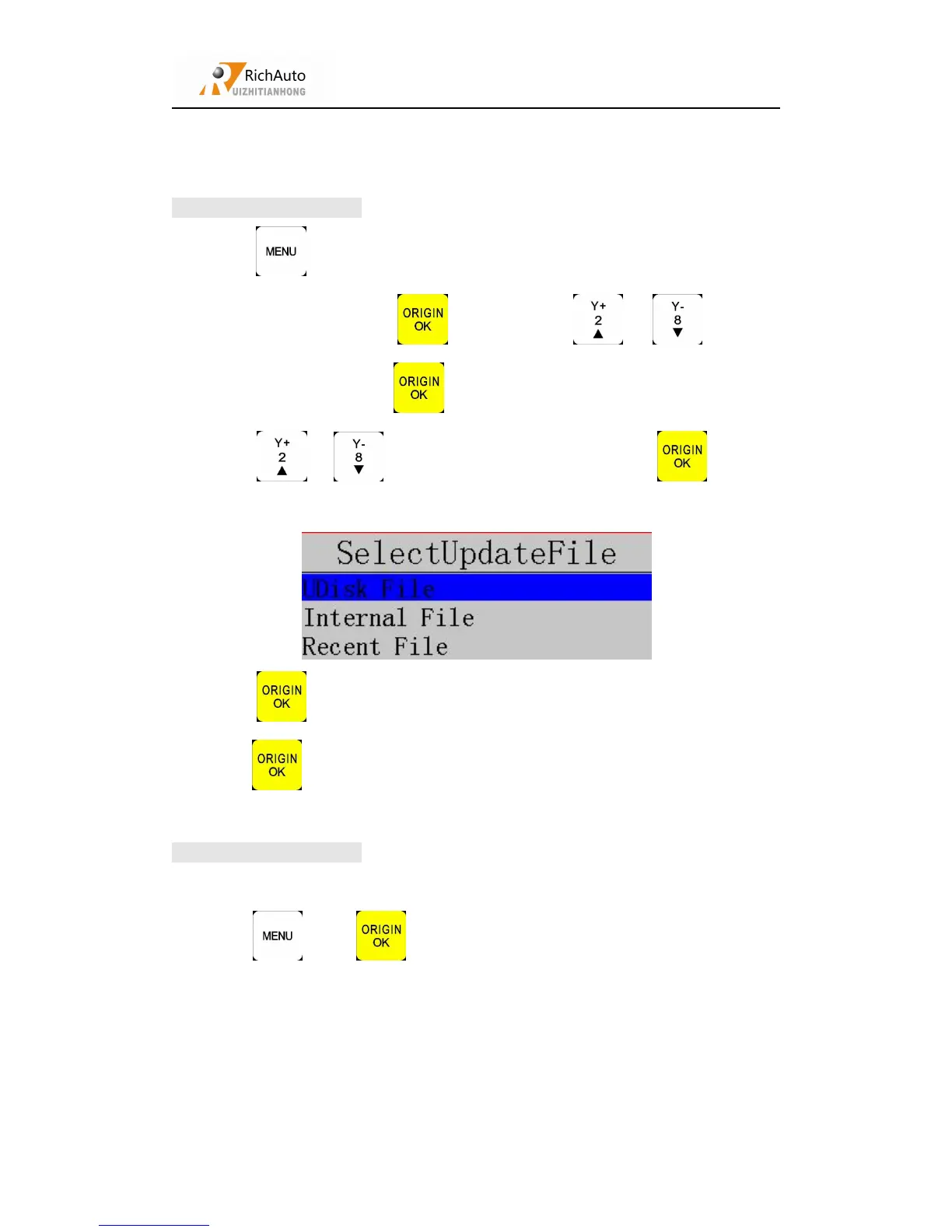
Press “ ”、“ ”to choose “Auto Upgrade”,press
“ ”
to enter,
3
、
Press “ ”to enter,chosse“Udisk file”,enter Udisk to choose upgrade file,
press“ ”,system will automatically upgrade.
4
、
After upgrade completed
,
restart the handle.
1
、
Copy upgrade file to Udisk
,
and insert Udisk into handle.
2
、
Press“ ” + “ ”
,
and then repeat Method 1 operation 3&4.



 To Previous Page