Beijing RuiZhitianhong technology Co.Ltd.
ADD.:A308 jiahua building, 9 Shangdi 3rd Street, Haidian District, Beijing. P.C.:100085.
Dell:+86-10-62970368/82923063 Fax:+86-10-82920078 URL:www.richnc.com.cn 57
User can adjust spindle speed when there is set a multi-step speed. Press
“ ”
turn up for 1 grade untill S8
,
press
“ ”
turn down for 1 grade untill
S1.
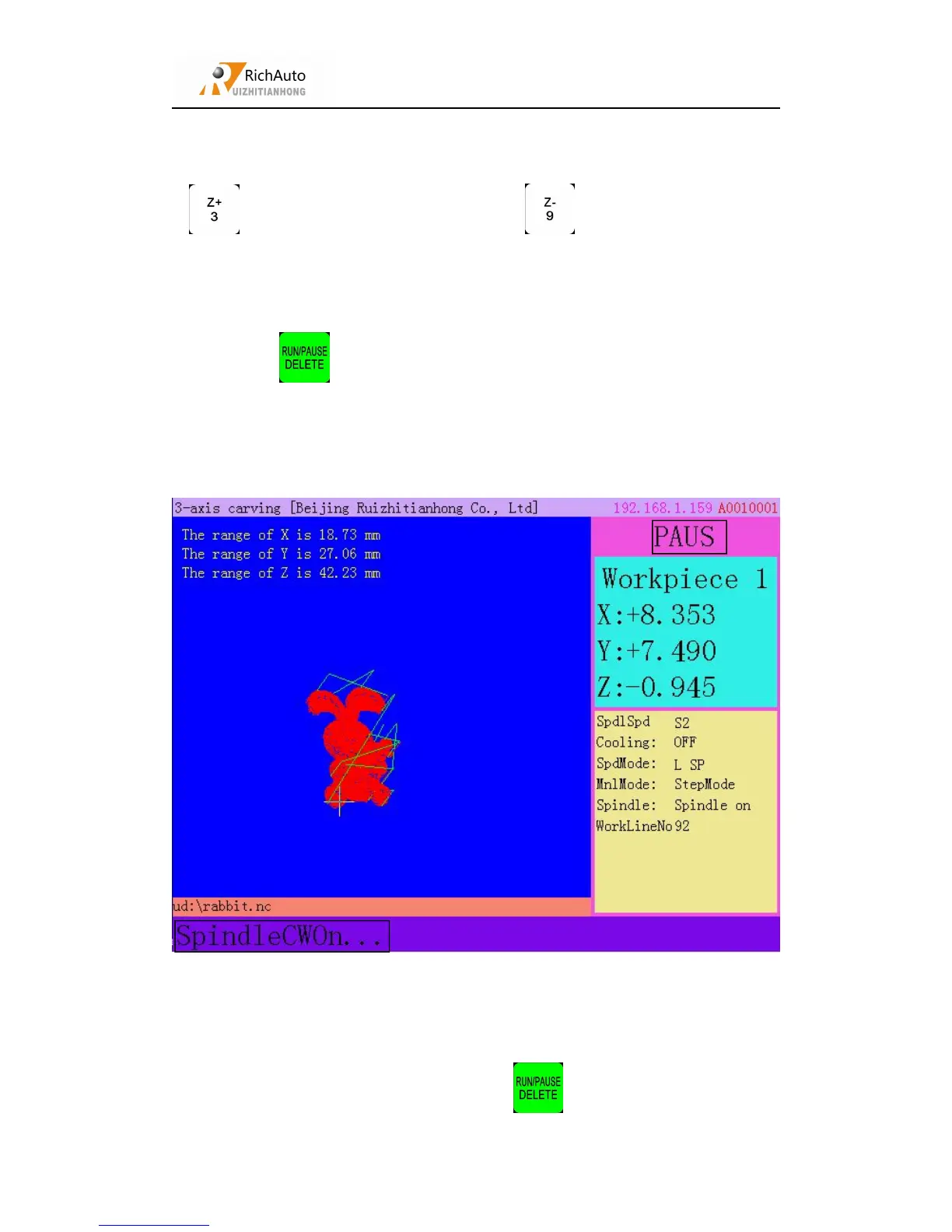
Press “ ”to pause processing,the right upwards of screen will change
from“RUN” to “PAUS”, and machine stop processing except the rotating of spindle.
Shown below:
Now user can adjust position of each axis. System default motion mode is STEP,
so that user can fine adjust each axis. That is to say, every click, machine axis moves
1 high/ low speed grid distance(A axis:angle).
When the adjustment is finished, press “ ”,screen shows:



 To Next Page