Beijing RuiZhitianhong technology Co.Ltd.
ADD.:A308 jiahua building, 9 Shangdi 3rd Street, Haidian District, Beijing. P.C.:100085.
Dell:+86-10-62970368/82923063 Fax:+86-10-82920078 URL:www.richnc.com.cn 54
、 ).
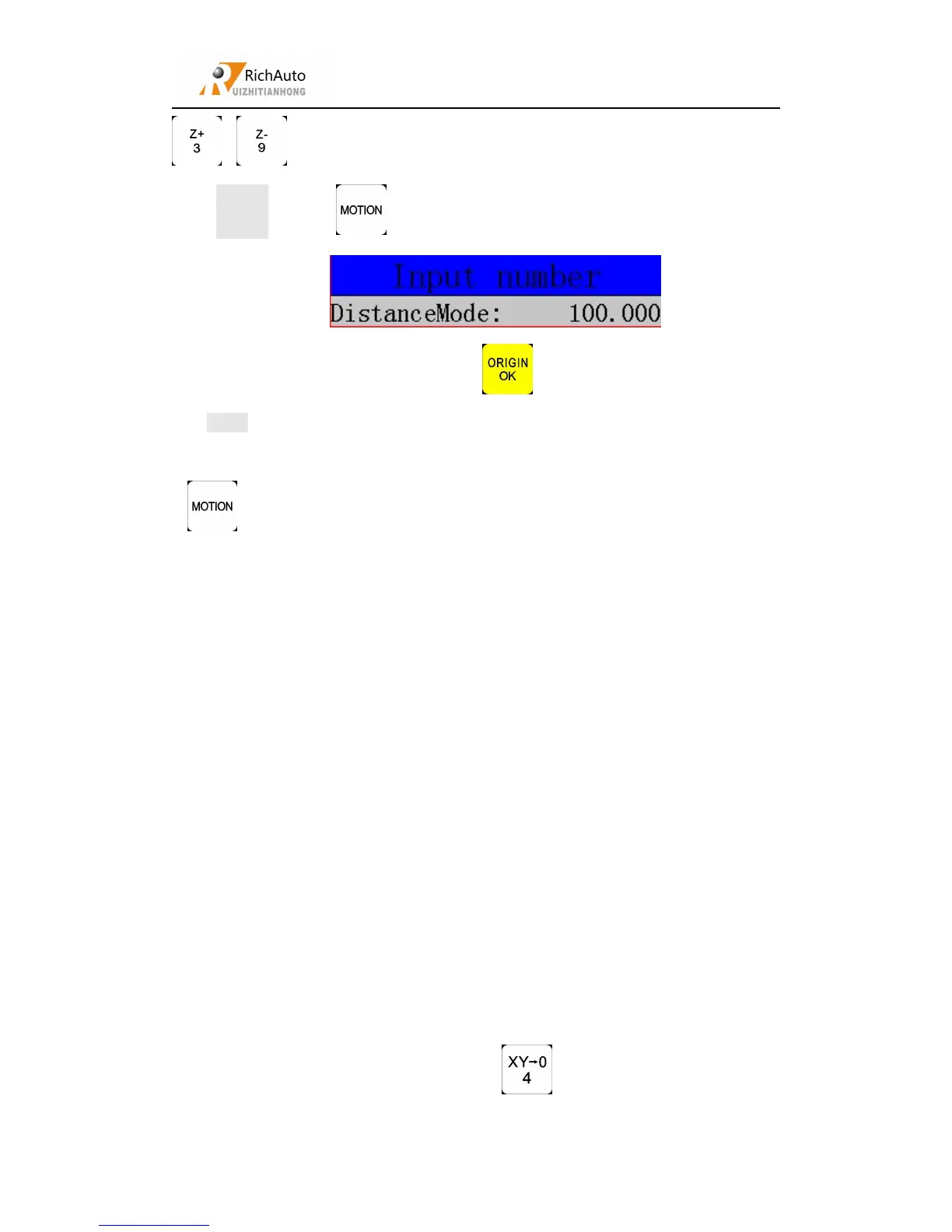
Setting:Press“ ” to swtich to distance motion mode:
Input required distance value,press“ ” to confirm the changing.
Note: Grid unable to affect the distance motion mode. Machine will move by set
distance, can’t move to grid point. If user wants to change distance, please press
“ ” for three times to change to distance mode and re-enter the distance value.
5.4
Automatic processing operation
Auto processing refers to the system runs the file in U disk or inner storage
space according to the instruction, it also called file processing. Before auto
processing, user must set the machine tool parameters and all of the system
parameters correctly.
Auto processing steps:
5.4.1 Determine the origin of the workpiece
The origin coordinates of X, Y and Z in the processing program is the
workpiece origin. Before operating, we should pay attention to this position as well as
the real position. Operation as follow:
Move X, Y and Z to the position which needs start to process the file on
workpiece. Afterwards, press zero clearing “ ” can set X and Y axis origin.



 To Next Page