Beijing RuiZhitianhong technology Co.Ltd.
ADD.:A308 jiahua building, 9 Shangdi 3rd Street, Haidian District, Beijing. P.C.:100085.
Dell:+86-10-62970368/82923063 Fax:+86-10-82920078 URL:www.richnc.com.cn 46
2. Del File
(
Delete File
)
:
View the files and G codes of U disk or inner.
4. Pro Info
(
Processing Information
)
:
System power on,it will statistical the times of successful processing by file
name,if system power off,the data will disappear.
5. Check Pro Time
(
Check Processing Time
)
:
Calculate processing time by system work speed,after reading G code,the screen
will display the processing time , different work speed corresponding to different
processing time.
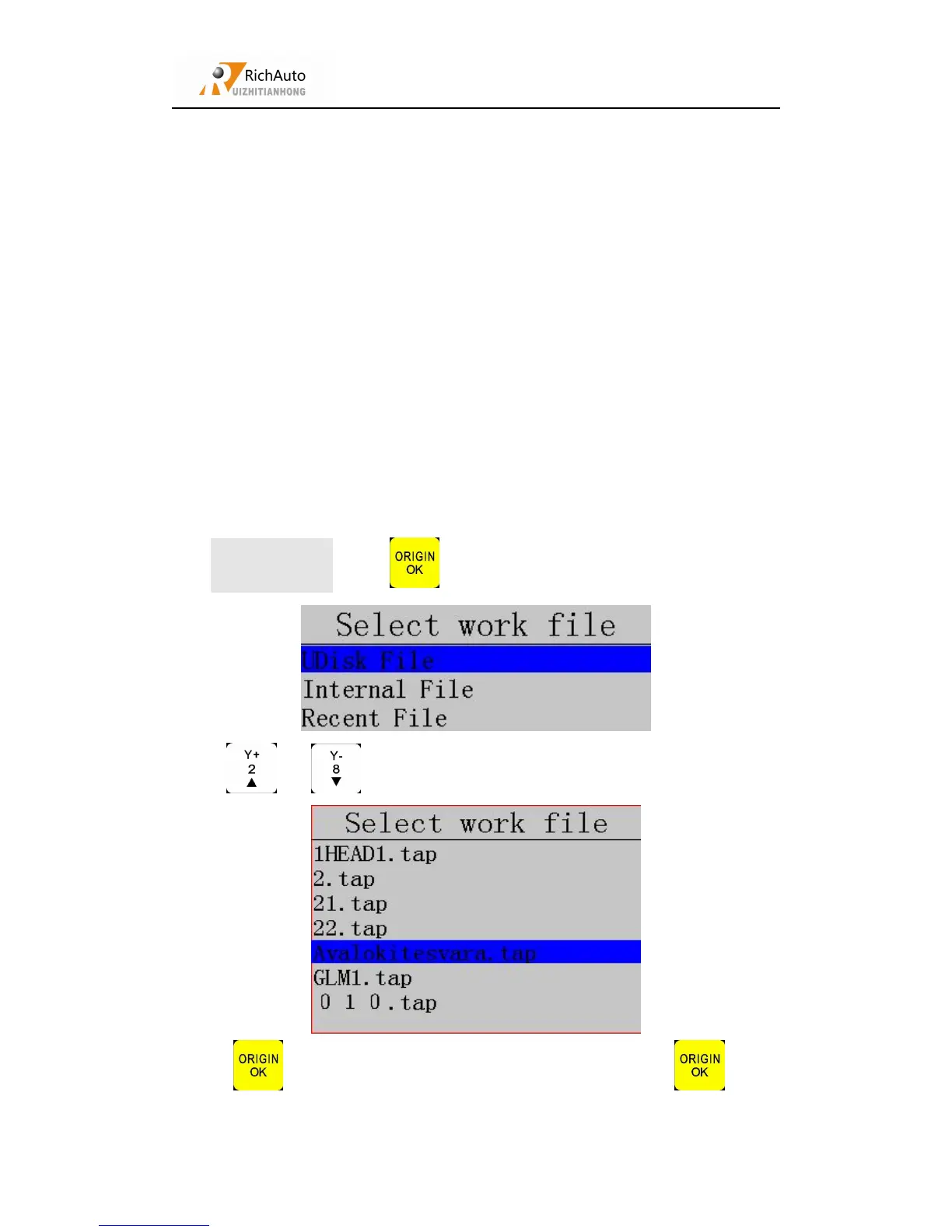
Operating mode:Press“ ”to enter “Check Pro Time”,screen shows:
Press“ ”、“ ”to choose “UDisk”/“Internal/RecentFile”:
Press “ ”to enter,choose processing file,and then press “ ”,after



 To Next Page