Beijing RuiZhitianhong technology Co.Ltd.
ADD.:A308 jiahua building, 9 Shangdi 3rd Street, Haidian District, Beijing. P.C.:100085.
Dell:+86-10-62970368/82923063 Fax:+86-10-82920078 URL:www.richnc.com.cn 61
to enter,and then press “ ”、“ ” to select different listed files;
2) Press “ ” to enter file list, then press “ ”、“ ” to move
the cursor to choose target file;
3)
Set processing parameters, also can modify the array parameters in this step,
or you can go to “MENU”-“Menu function user interface”-“AUTO PRO
SETUP”, choose “Work Array” and modify the array parameters. The rest
steps are similar to the normal processing. In this way, system will start to
work according to the user’s setting.
4) During array work, press “ ” could view real-time row number,
column number and other processing information.
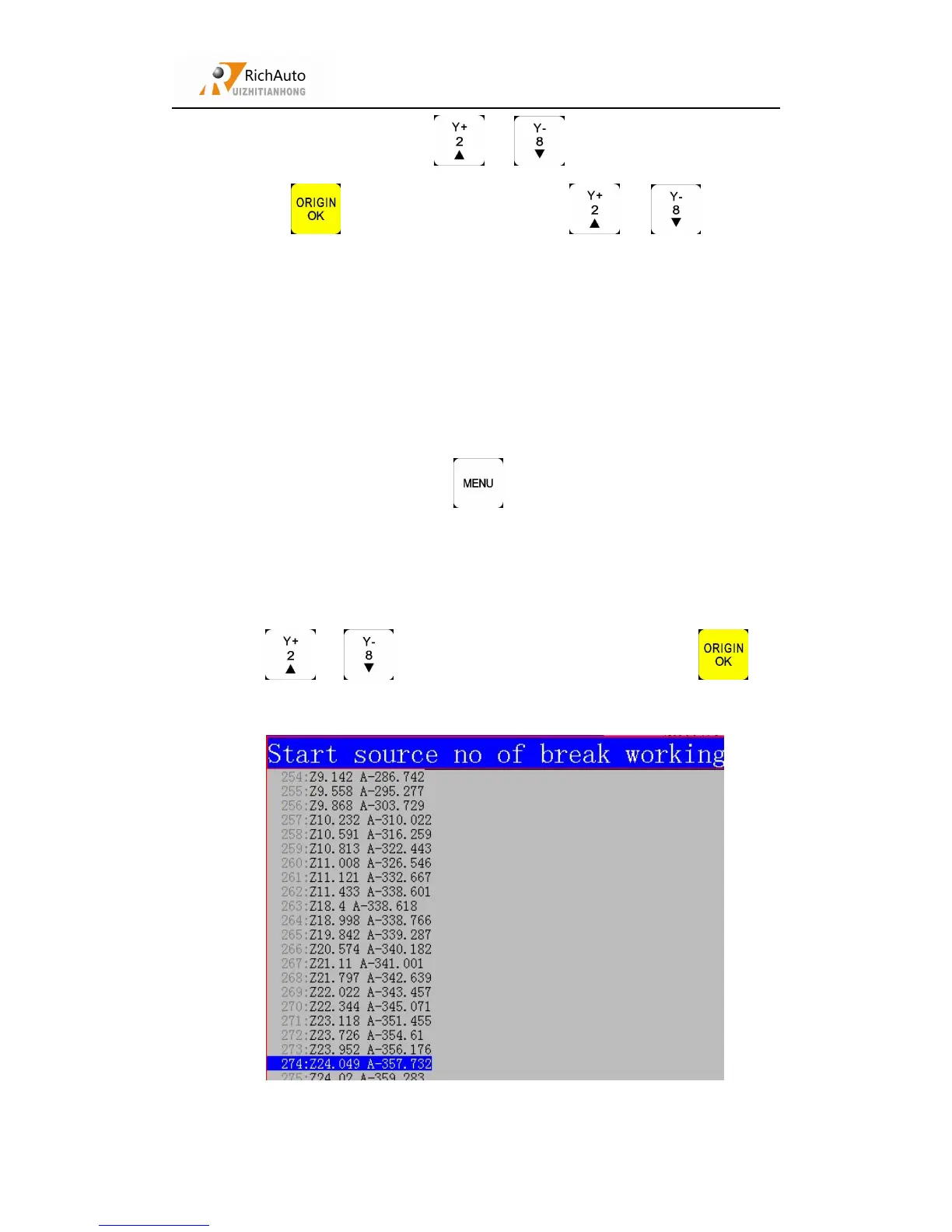
Steps as below:
Press“ ”、“ ” to move cursor to resume work, press “ ” to
enter the list:



 To Next Page