EasyManua.ls Logo

Ricoh D255-17 - User Manual

Ricoh D255-17
1003 pages
Print Icon
To Next Page IconTo Next Page
Loading...
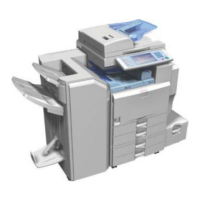
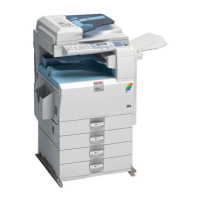
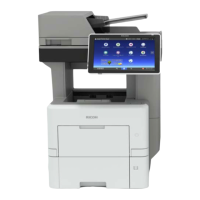
D255/D256/M281/M282
SERVICE MANUAL

Table of Contents

Questions and Answers

  • C
    Chelsea CastroAug 9, 2025
    What to do if Ricoh D255-17 Copier displays SC error and cannot be used (machine-error SC)?
    • O
      oscarparksAug 9, 2025
      If the Ricoh Copier displays an SC error on the operation panel, rendering the machine unusable due to a machine error, try switching the main power from OFF to ON. This may resolve the issue.
  • N
    nicole91Aug 19, 2025
    What to do if Ricoh Copier displays SC error and cannot be used (safety-related SC)?
    • E
      Emma SmithAug 19, 2025
      If a safety-related SC is displayed on the Ricoh Copier's operation panel, preventing machine use, execute the CE reset SP mode, and then switch the main power from OFF to ON. This procedure may resolve the issue.
  • A
    Alex WatsonAug 29, 2025
    What to do if Ricoh Copier displays SC error when a function is selected?
    • B
      Bethany ChavezAug 29, 2025
      If the Ricoh Copier displays an SC error on the operation panel when a function is selected, preventing machine use (down-time mitigation), try switching the main power from OFF to ON.

Ricoh D255-17 Specifications

General IconGeneral
BrandRicoh
ModelD255-17
CategoryCopier
LanguageEnglish

Related product manuals