Basic Procedure for Sending Scan Files by E-
mail
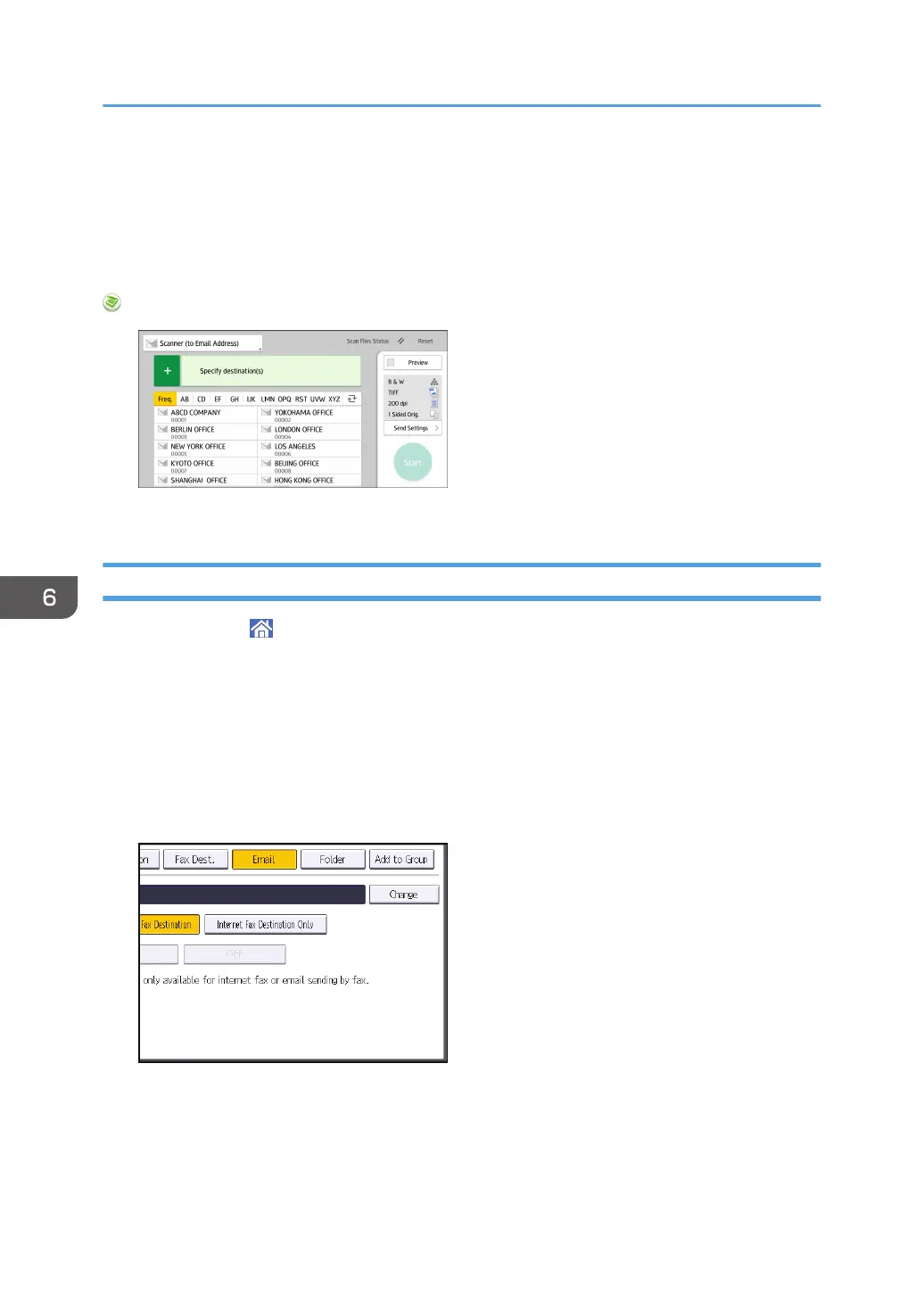
This section describes the basic procedure for sending scan files by e-mail.
When Using the Scanner Application
About how to use the application's screen, see page 46 "[Scanner] Screen".
Registering an E-mail Destination
1. Press [Home] ( ) at the bottom of the screen in the center.
2. Flick the screen to the left, and then press the [Address Book Management] icon.
3. Check that [Program / Change] is selected.
4. Select the name whose e-mail address you want to register.
Press the name key, or enter the registered number using the number keys.
5. Press [Email].
6. Press [Change] under "Email Address".
6. Scan
108



 To Next Page