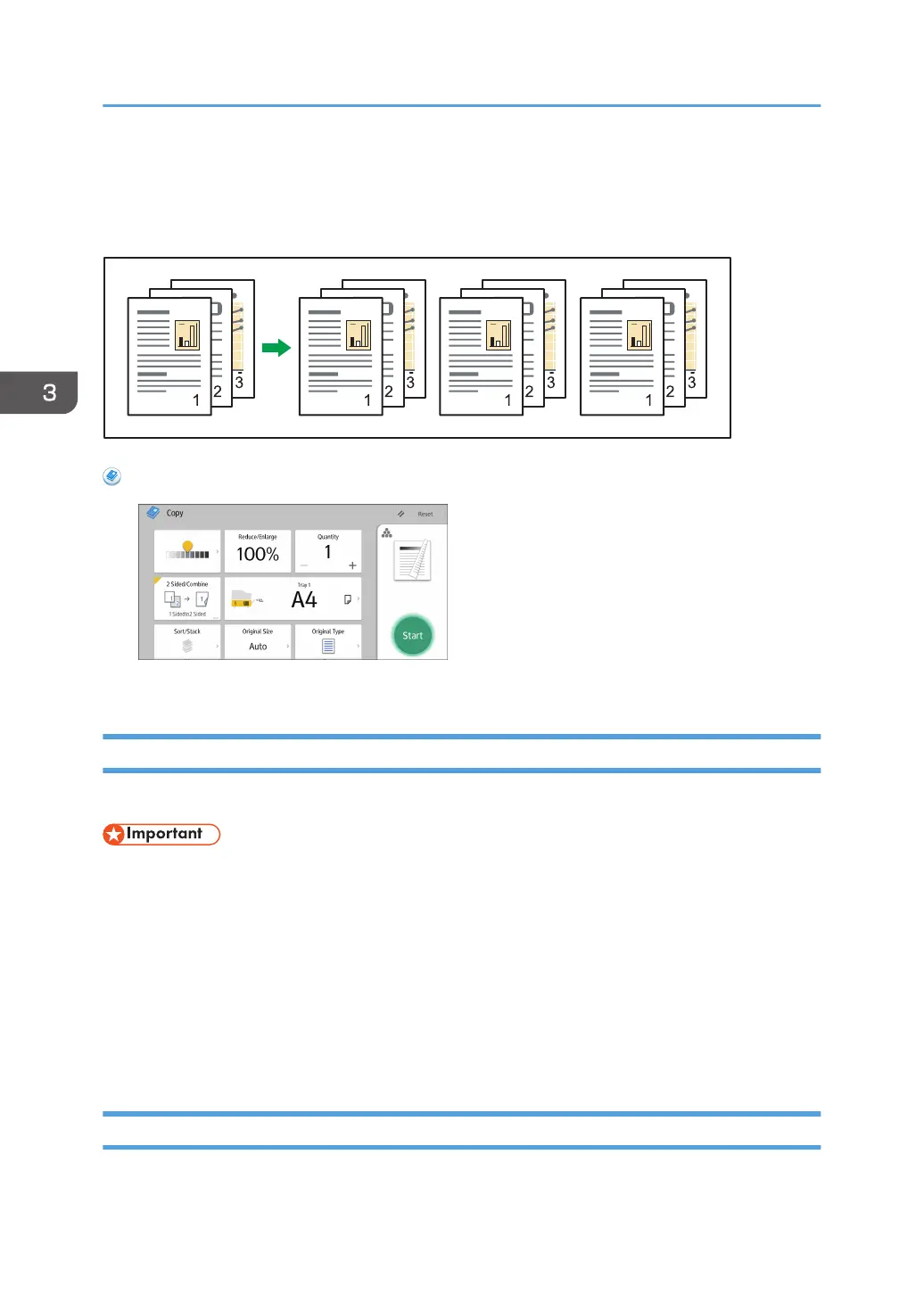
Sort
The machine assembles copies as sets in sequential order.
When Using the Copy Application
About how to use the application's screen, see page 38 "[Copy] Screen".
Sample Copy
Use this function to check the copy settings before making a long copy run.
• This function can be used only when the Sort function is selected.
1. Select Sort and any other necessary functions, and then place the originals.
2. Enter the number of copy sets with the number keys.
3. Press [Sample Copy] on the bottom right of the screen.
One copy set is delivered as a sample.
4. If the sample is acceptable, press [Continue].
The number of copies made is the number specified, minus one for the proof copy.
Changing the Number of Sets
You can change the number of copy sets during copying.
3. Copy
78



 To Next Page