1. Select an e-mail or folder destination. You can also enter e-mail destination manually.
2. Select a color mode.
3. Select a scanning resolution and file type in which to send scanned data.
4. Select an original type and size.
5. Press to preview the scanned data.
6. Press to start sending scanned data.
Keys that Appear on the Initial Settings Screen and Screens of Each Classic
Application
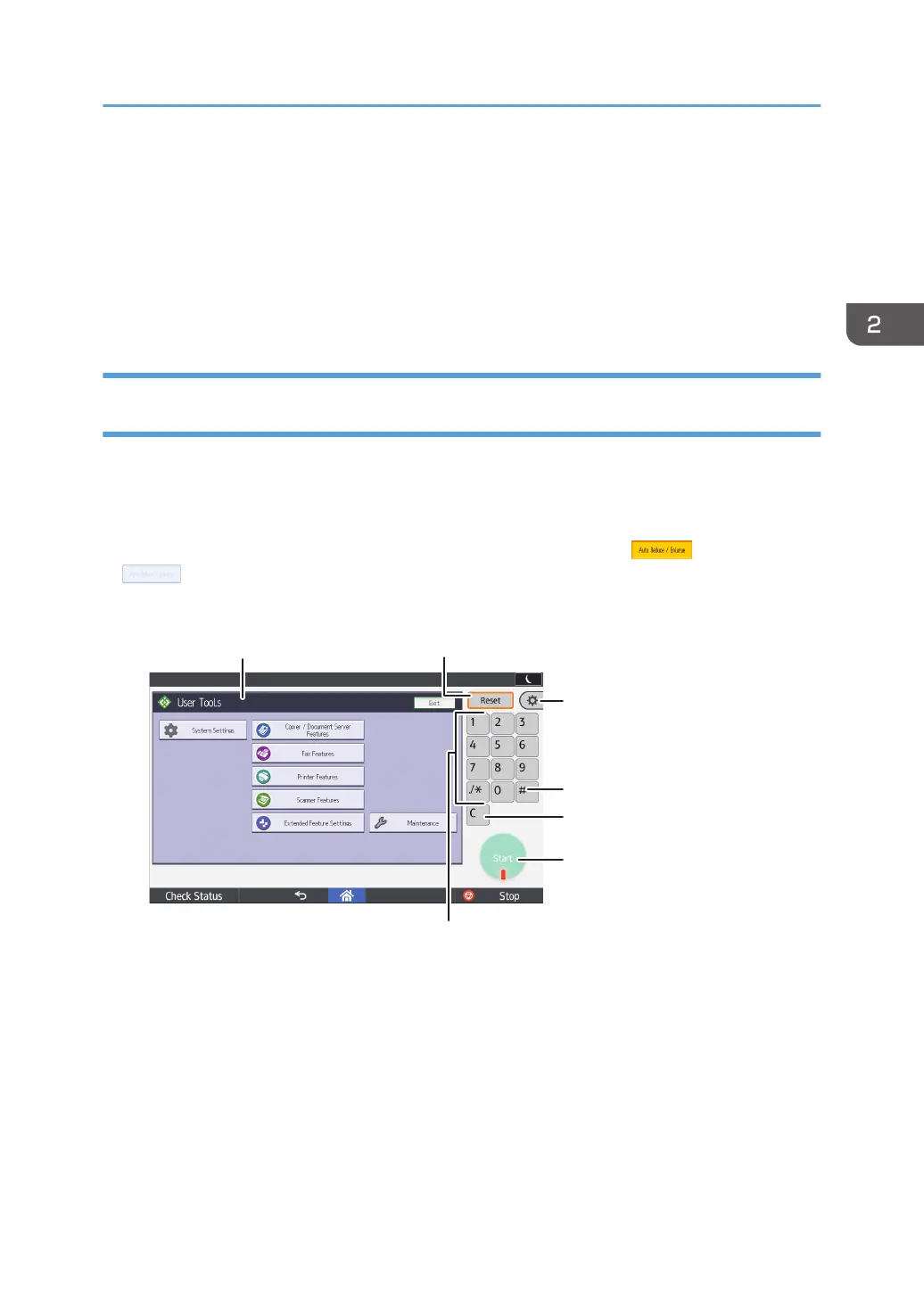
The display panel shows the operation status, messages, and function menus.
The function items displayed serve as selector keys. You can select or specify an item by lightly pressing
them.
When you select or specify an item on the display panel, it is highlighted like . Keys appearing
as cannot be used.
The initial settings screen
How to Use Each Application
53



 To Next Page