4
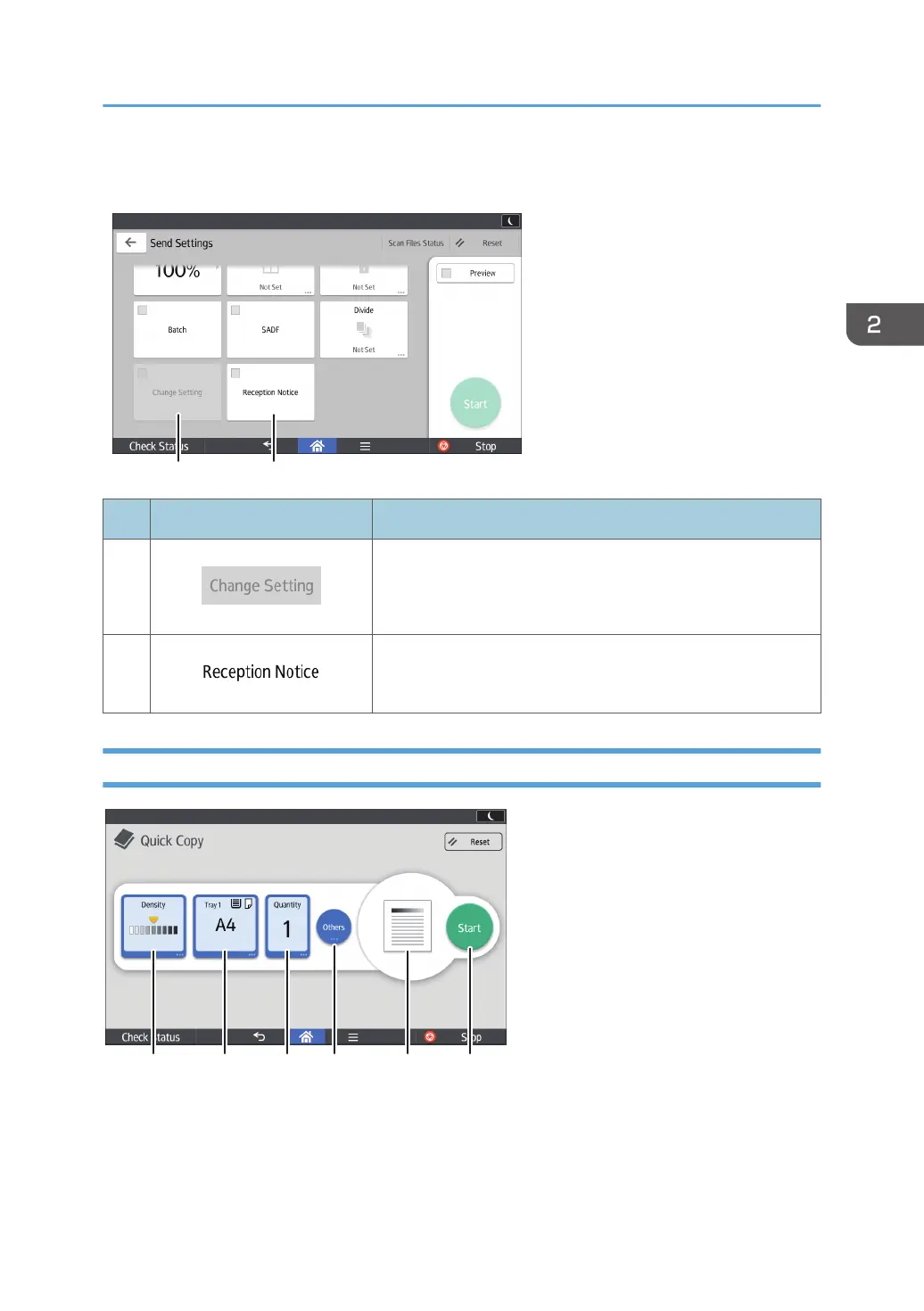
No. Icon Description
18
Press to scan multiple originals that consist of one-sided and
two-sided originals.
You can select this only if [Batch] or [SADF] is also selected.
19
Press this to notify the sender that the e-mail recipient has
opened the e-mail.
[Quick Copy] screen
1. Select the image density you want to use.
2. Select a paper tray.
3. Select the number of copies.
How to Use Each Application
51



 To Next Page