Canceling a Transmission
This section explains how to cancel a fax transmission.
Canceling a Transmission Before the Original Is Scanned
Use this procedure to cancel a transmission before pressing [Start].
When Using the Fax Application
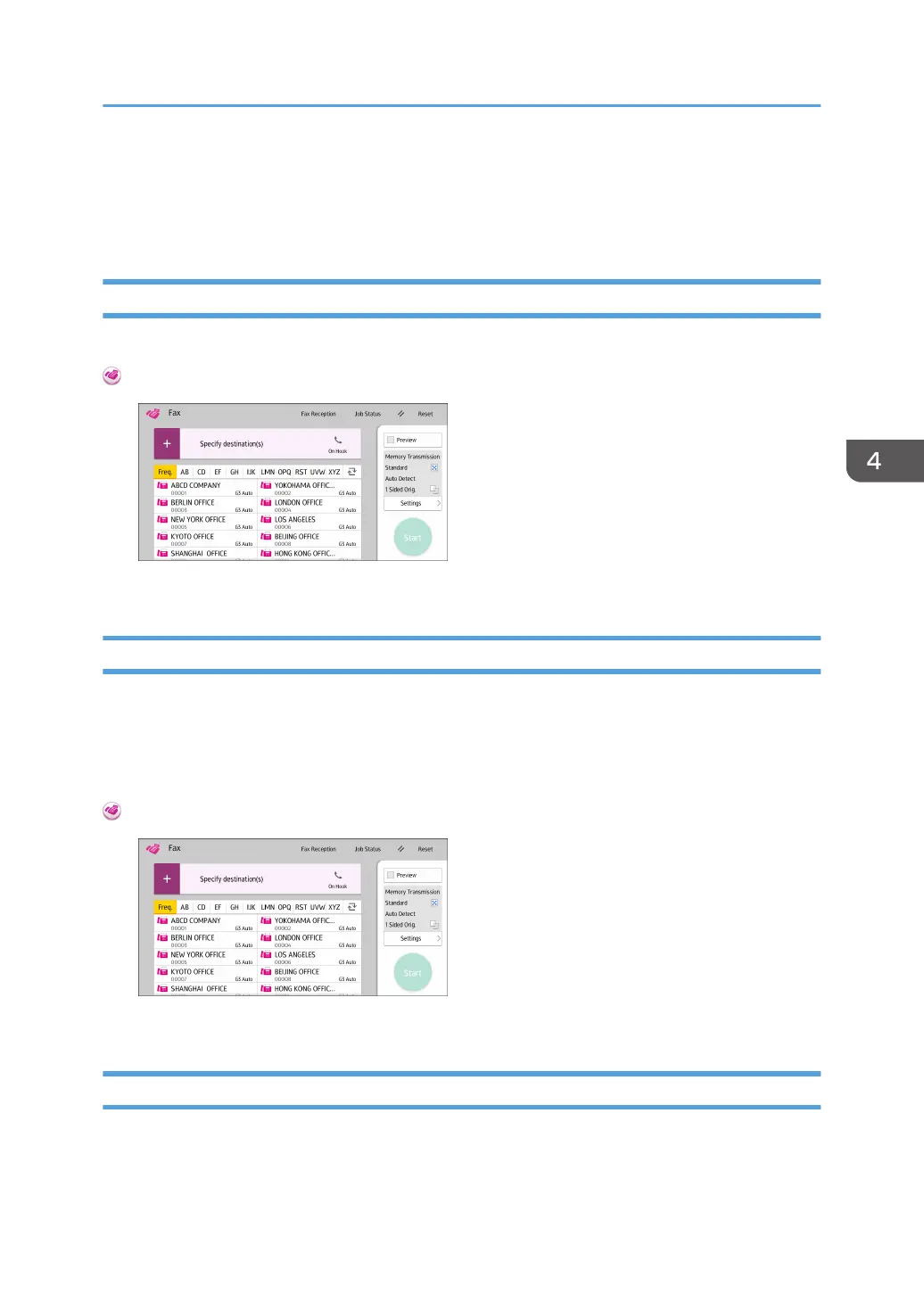
About how to use the application's screen, see page 41 "[Fax] Screen".
Canceling a Transmission While the Original Is Being Scanned
Use this procedure to cancel scanning or transmitting of the original while it is being scanned.
If you cancel a transmission using the standard memory transmission function, you need to follow a
different procedure to cancel the transmission. See page 85 "Canceling a Transmission After the
Original Is Scanned".
When Using the Fax Application
About how to use the application's screen, see page 41 "[Fax] Screen".
Canceling a Transmission After the Original Is Scanned
Use this procedure to cancel a transmission after the original is scanned.
Canceling a Transmission
85



 To Next Page