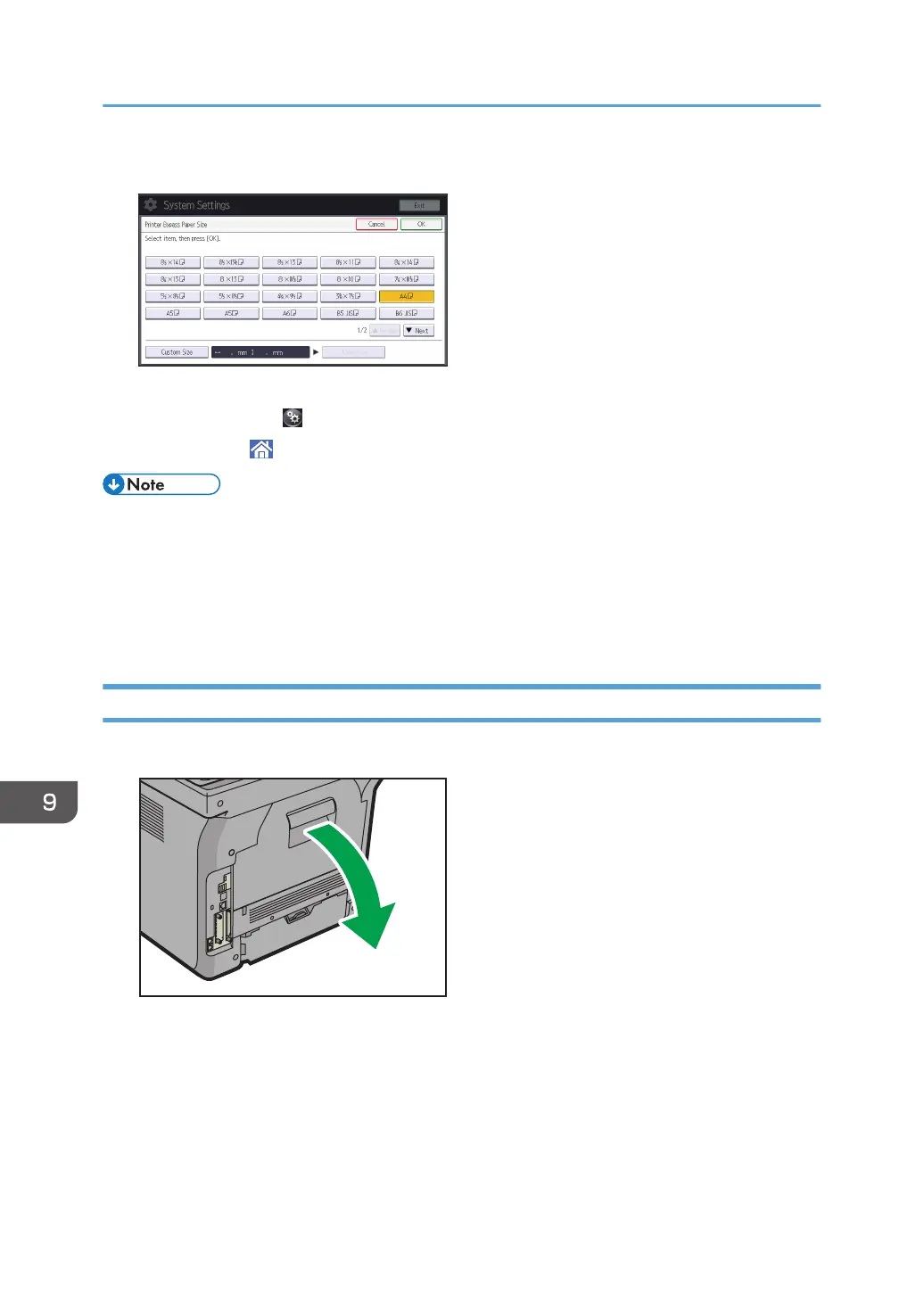
5. Select the paper size.
6. Press [OK].
7. Press [User Tools] ( ) on the top right of the screen.
8. Press [Home] ( ) at the bottom of the screen in the center.
• Confirm that the top of the stack is not higher than the limit mark on the side guides.
• Do not push the stack of envelopes with too much force.
• Confirm that the edges of envelopes fit under the side guides.
• After specifying the paper size, select "Envelope" as the paper types using both the User Tools and
printer driver, and specify the thickness of envelopes. For details, see "Printing on Envelopes", Print.
Loading Envelopes into Tray 1
1. Open the rear cover.
9. Adding Paper and Toner
136



 To Next Page