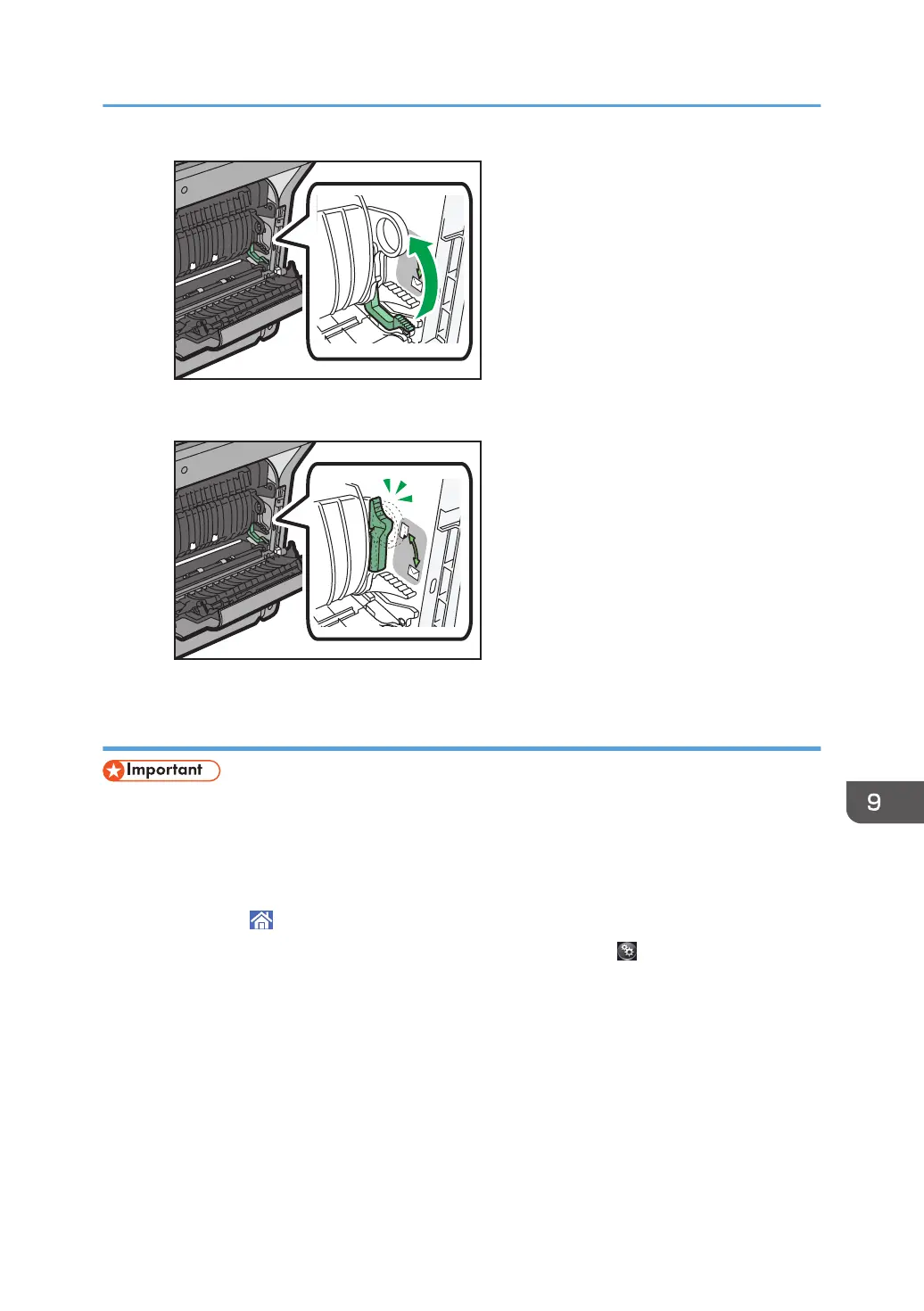
• When printing on paper other than envelopes
Specifying envelope size for the bypass tray
• If you select [Machine Setting(s)] or [Machine Setting(s): Any Type] in [Bypass Tray] under [Tray
Setting Priority] in [System] of the Printer Features menu, the settings made using the control panel
have priority over the printer driver settings. For details, see "System", Print.
• The default of [Bypass Tray] is [Machine Setting(s): Any Type].
1. Press [Home] ( ) at the bottom of the screen in the center.
2. Flick the screen to the left, and then press the [User Tools] icon ( ).
3. Press [Tray Paper Settings].
4. Press [Printer Bypass Paper Size].
Loading Envelopes
135



 To Next Page