If envelopes are severely curled after printing, flatten them by bending them back against the curl.
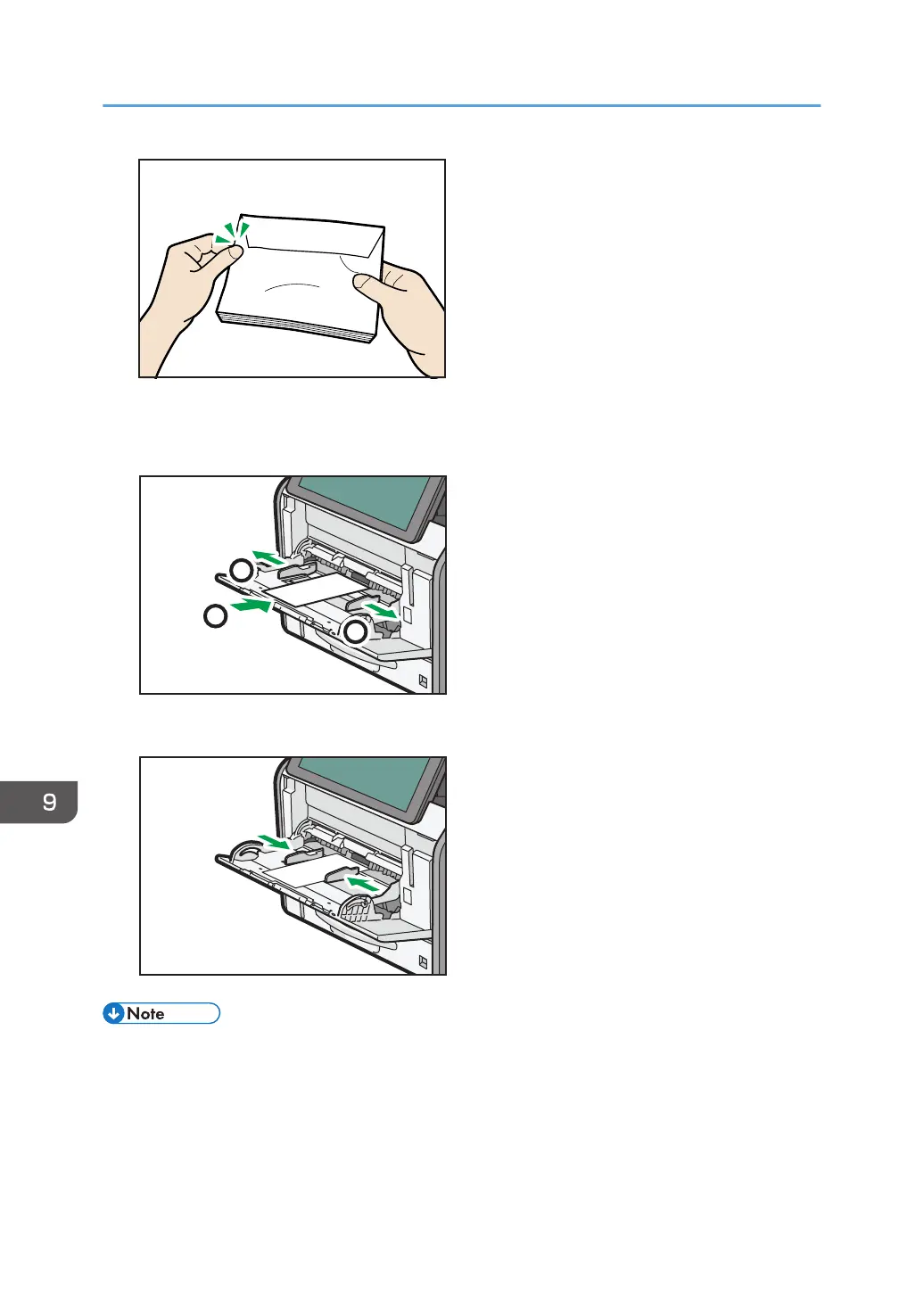
6. Set the envelope in bypass tray with the print side up.
7. Adjust both sides of the paper guide to match the envelope width.
• Envelopes must be loaded in a specific orientation. For details, see page 149 "Envelopes".
• To print on envelopes that are loaded with their long edges against the printer body, rotate the
print image by 180 degrees using the printer driver.
• Keep the envelope lever pulled up when printing normally.
• When printing on envelopes
9. Adding Paper and Toner
134



 To Next Page