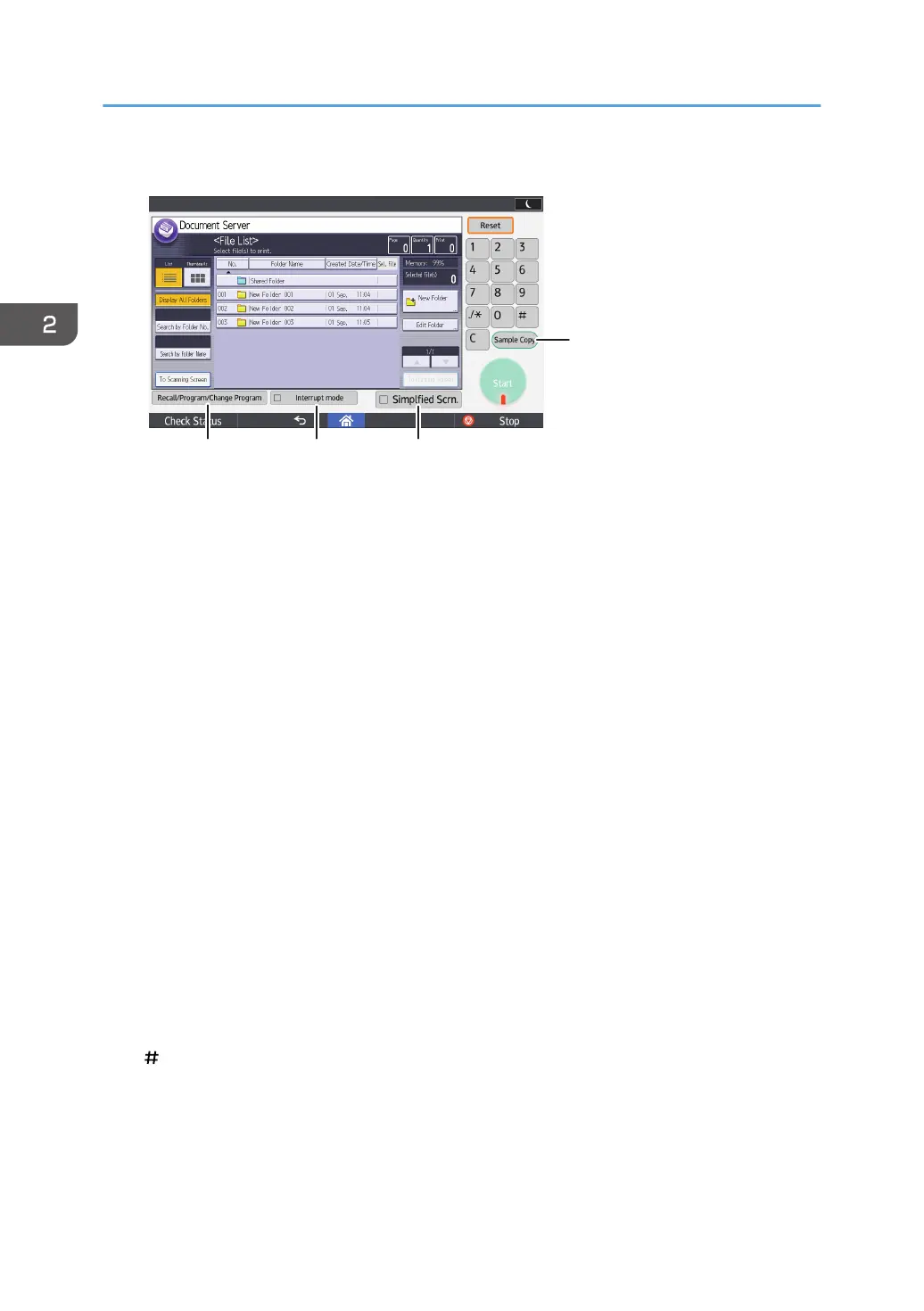
Applications' screen
1. Function screen
Each function has a different screen.
2. [Reset]
Press to clear the current settings.
3. [User Tools]
Press this to use the following items:
• Screen Features
Press to customize the default settings of the operating system installed on the control panel. See "Screen
Features", Connecting the Machine/ System Settings.
• Machine Features
Press to customize the default settings of the machine system. You can also customize the default settings
of the copier, Document Server, facsimile, printer, and scanner function. See "Accessing User Tools",
Connecting the Machine/ System Settings.
• Counter
Press to check or print the counter value. See "Counter", Maintenance and Specifications.
• Inquiry
Press to find out where to order expendable supplies and where to call when a malfunction occurs.
• Address Book Management
Press to display the Address Book.
• Tray Paper Settings
Press to make settings for paper trays and paper status.
4. [ ] (Enter)
Press to confirm values entered or items specified.
5. [Clear]
Press to delete a number entered.
2. Getting Started
54



 To Next Page