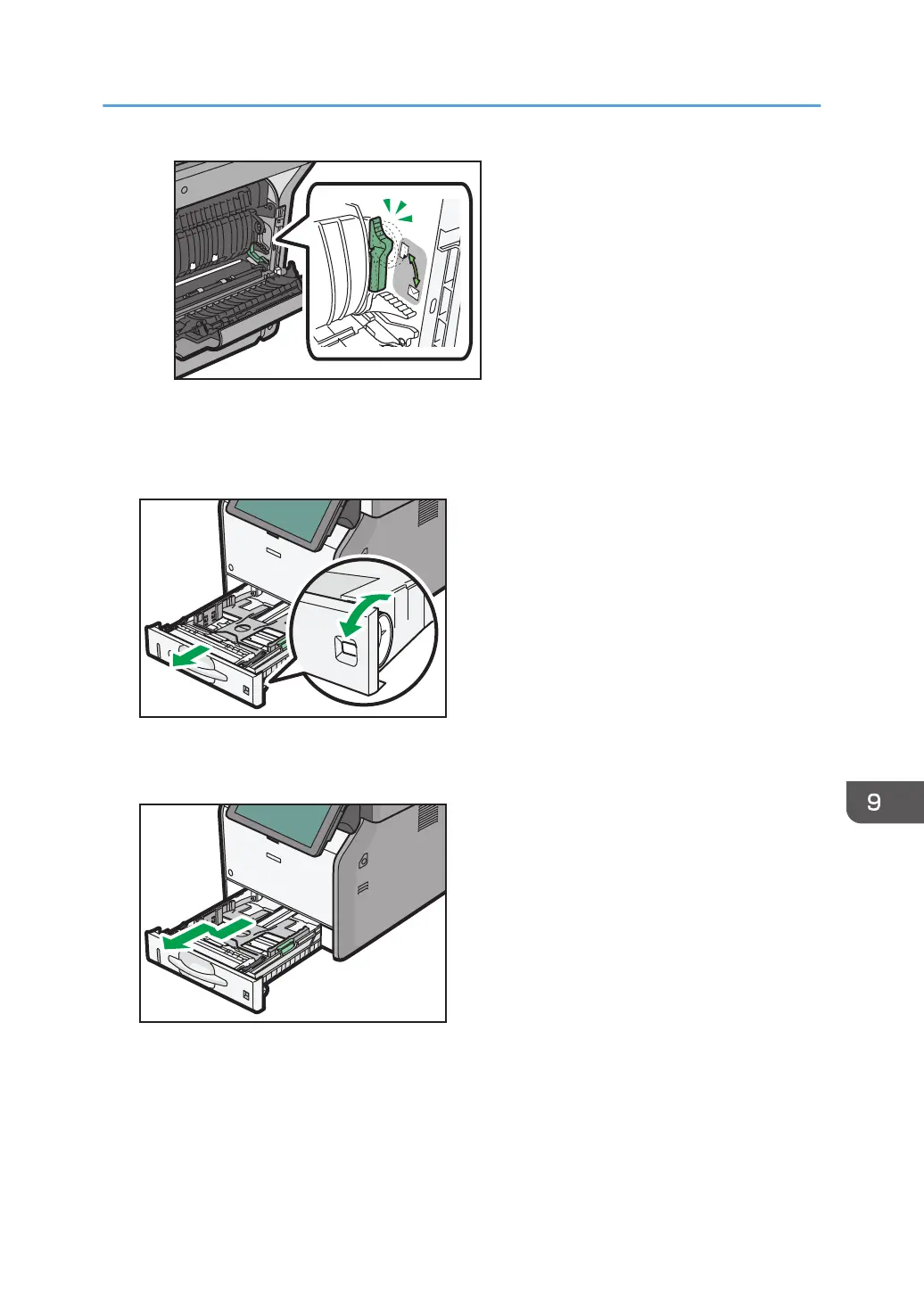
1. Check that paper in the paper tray is not being used, and then pull out the paper tray
carefully. Adjust the paper size dial to match the size and feed direction of the paper in
the paper tray.
2. Pull the tray carefully until it stops, lift the front side of the tray, and then pull it out of the
machine.
Place the tray on a flat surface.
Loading Paper
121



 To Next Page