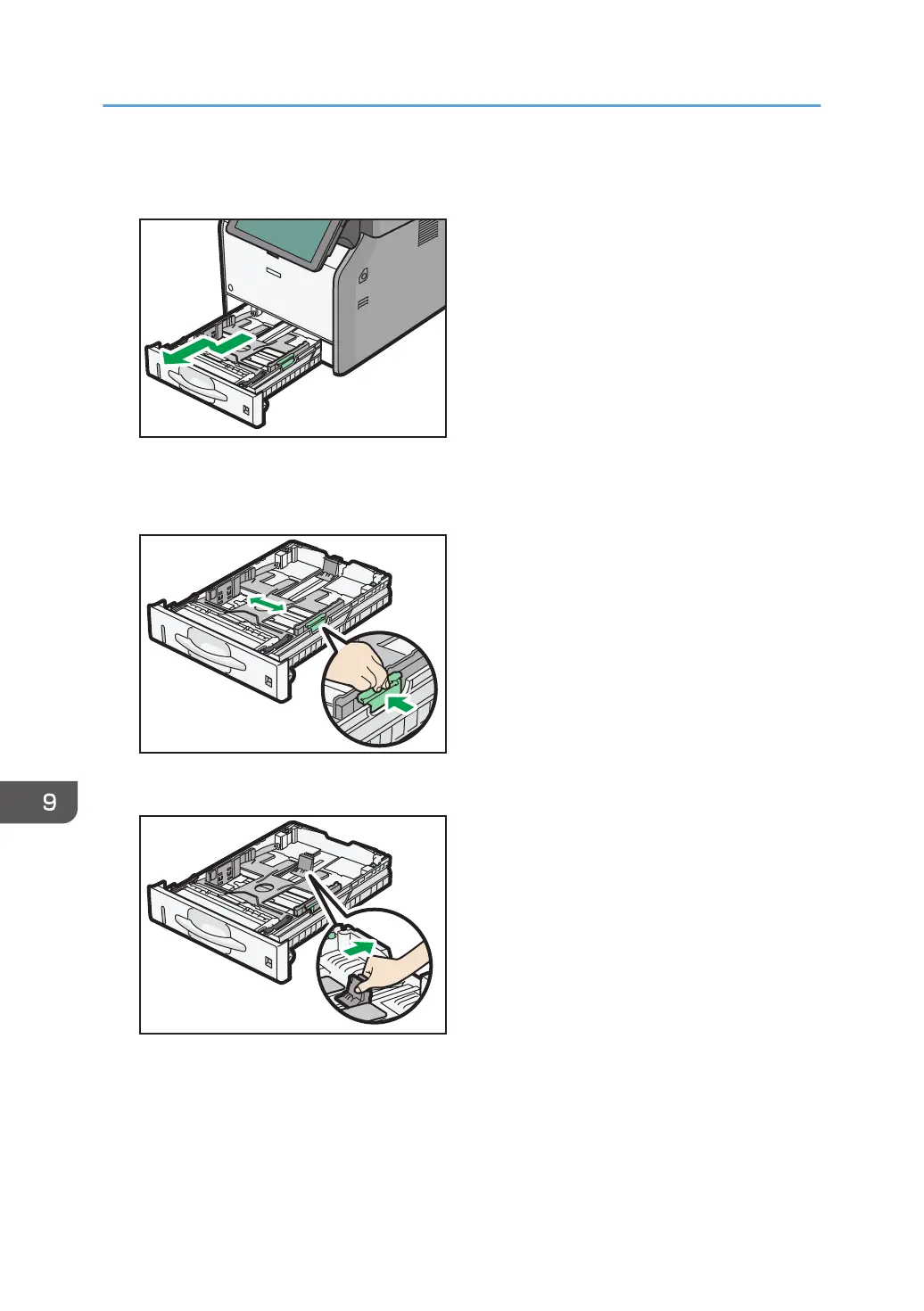
5. Pull the tray carefully until it stops, lift the front side of the tray, and then pull it out of the
machine.
Place the tray on a flat surface.
6. Pinch the clip on the side paper guide and slide it outward until they stop.
7. Pinch the end guide and slide it toward the back.
9. Adding Paper and Toner
138



 To Next Page