• The default delay time the machine waits before entering Sleep mode is 1 minute. This default
time can be changed.
• The machine can print jobs from computers and receive faxes while in Sleep mode.
Specification
•
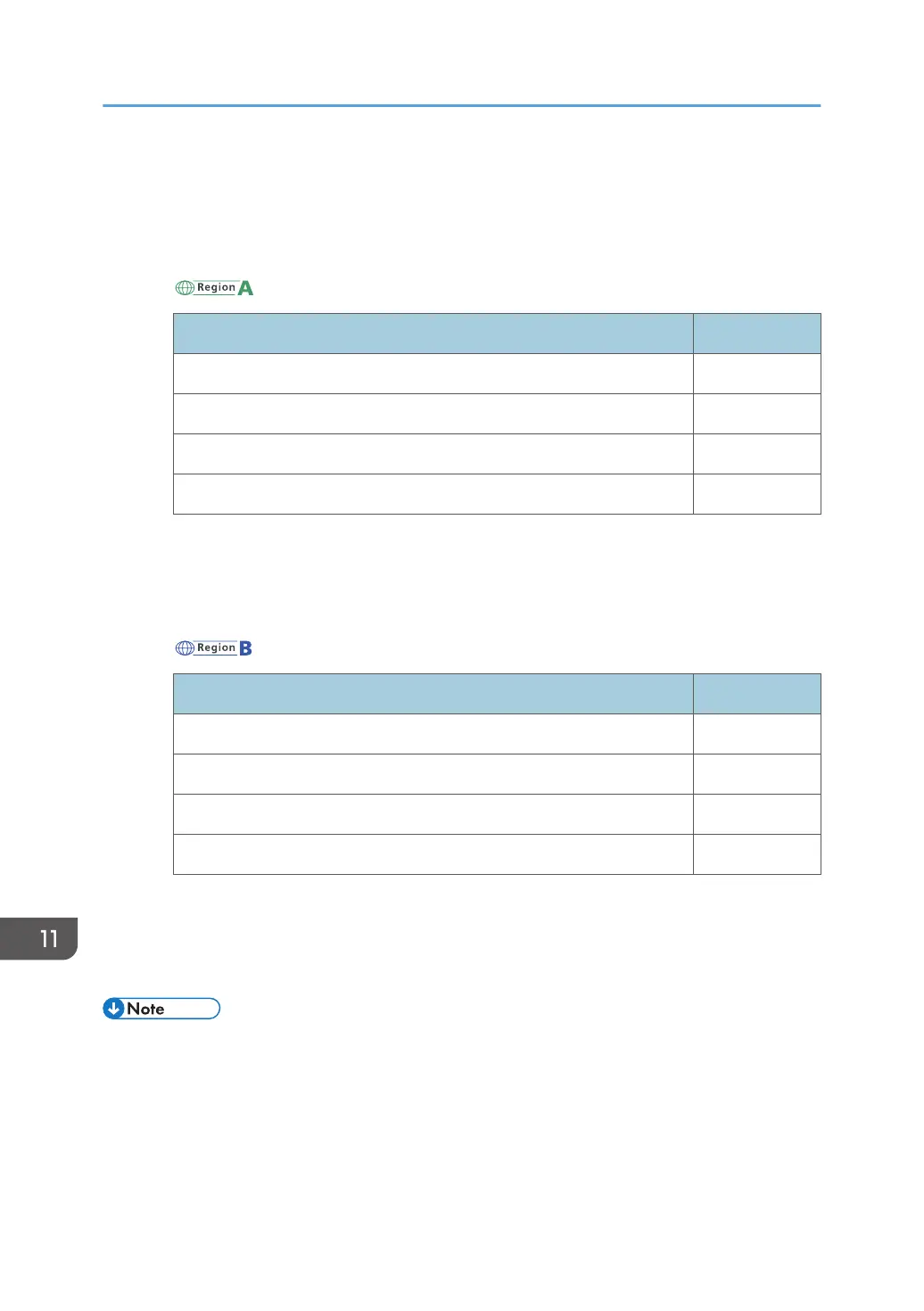
(mainly Europe and Asia)
Specification
Reduced electrical consumption in Sleep mode
*1
0.8 W
Time of switch into Sleep mode 1 minute
Time of switch out from Sleep mode
*1
5.6 seconds
Duplex Function
*2
Standard
*1
The time it takes to switch out from energy saving functions and electrical consumption may differ
depending on the conditions and environment of the machine.
*2
Achieves ENERGY STAR energy savings; product fully qualifies when packaged with (or used
with) a duplex tray and the duplex function is enabled as an option.
•
(mainly North America)
Specification
Reduced electrical consumption in Sleep mode
*1
0.77 W
Time of switch into Sleep mode 1 minute
Time of switch out from Sleep mode
*1
5.6 seconds
Duplex Function
*2
Standard
*1
The time it takes to switch out from energy saving functions and electrical consumption may differ
depending on the conditions and environment of the machine.
*2
Achieves ENERGY STAR energy savings; product fully qualifies when packaged with (or used
with) a duplex tray and the duplex function is enabled as an option.
• Specifications can vary depending on which options are installed on the machine.
• For details about how to change the default interval, see "Timer Settings", Connecting the
Machine/ System Settings.
• Depending on which embedded software application is installed on it, the machine might take
longer than indicated to enter Sleep mode.
11. Information for This Machine
206



 To Next Page