No. Icon Description
3
Press to select the resolution according to the size of the text on
your original.
4
Press to specify the density to scan the original. You can also
specify the density by touching the icon and dragging it
right or left.
5
Press to select the scanning size of the original.
6
Press to select the sides of the original.
2
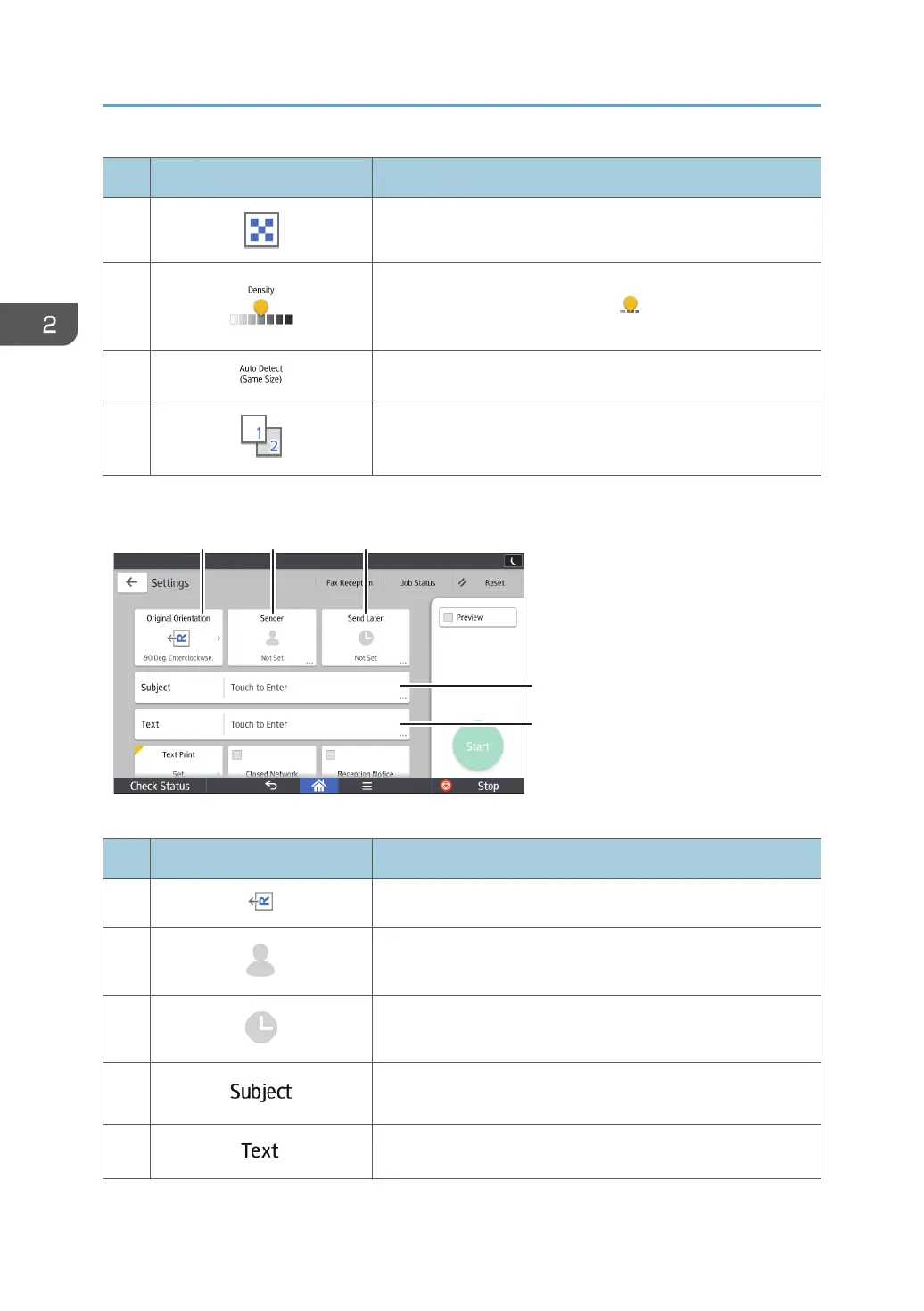
No. Icon Description
7
Press to select the orientation of the original.
8
Press to specify the sender.
9
You can specify settings to automatically send files directly at a
specified time.
10
Specify the Internet Fax/E-Mail subject.
11
Specify the Internet Fax/E-Mail Text.
2. Getting Started
44



 To Next Page