No. Icon Description
4
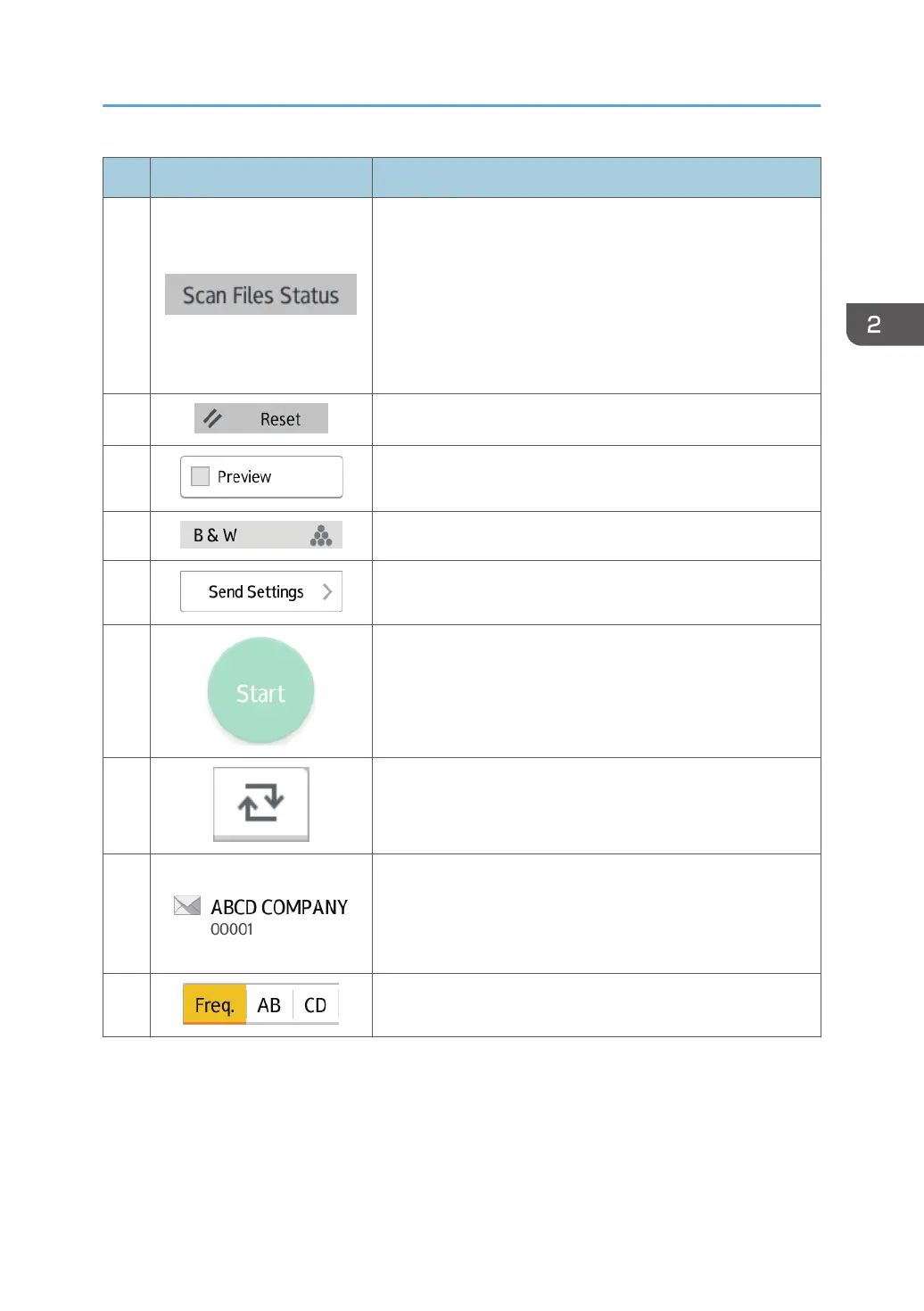
Press to display the transmission results screen.
In the transmission results screen, you can do the following:
• Check sent jobs
• Check error descriptions
• Cancel transmission of a document in standby
• Print a list of transmission results
5
Press to clear your current settings.
6
Press to display the preview screen after scanning originals.
7
You can check the settings in Send Settings.
8
Press to open the send settings screen. For details, see
page 48 "[Send Settings] screen".
9
Press to scan originals and start sending.
10
Press to switch the section of the Address Book.
11
Shows the destinations in the Address Book.
If a password or protection code is specified to a folder
destination, enter the password or protection code on the
screen displayed after tapping the folder destination.
12
The sections of the Address Book.
How to Use Each Application
47



 To Next Page