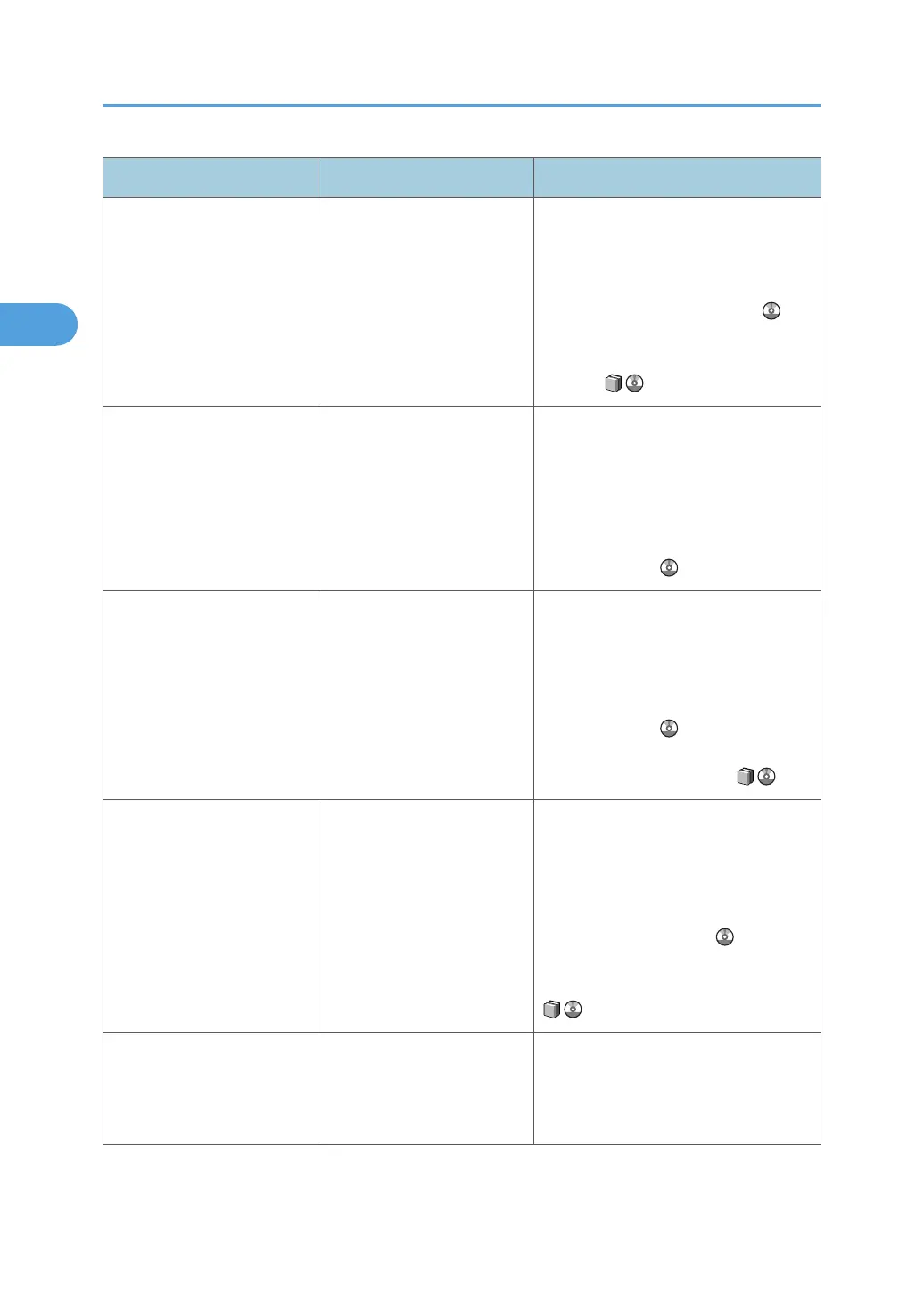
Message Cause Solution
"Paper settings of the
Interposer Upper Tray do not
match the specified paper
size. Change the paper
settings of Interposer Upper
Tray to the following paper
size, or press [Job Reset] to
cancel printing."
The paper settings configured
for the selected interposer
tray do not match the
specified paper size.
Configure the settings of the displayed
paper to match the specified paper size.
Alternatively, press [Job Reset] to cancel
the print job. See "If Paper Size and Type
Errors Occur", Printer Reference . For
details about the supported paper sizes,
see "Loading Paper", About This
Machine .
"Paper settings of Tray n do
not match specified paper
color. Change the paper
settings of Tray n to the
following paper color, or
press [Job Reset] to cancel
printing."
The paper settings for the
selected paper tray do not
match the specified paper
color.
Configure the paper settings of the
selected paper tray to match the
specified paper color. Alternatively,
press [Job Reset] to cancel the print job.
For details, see "If Paper Size and Type
Errors Occur", or "Normal Screen",
Printer Reference .
"Paper settings of Tray n do
not match specified paper
size. Change the paper
settings of Tray n to the
following paper size, or press
[Job Reset] to cancel
printing."
The paper settings configured
for the selected paper tray do
not match the specified paper
size.
Configure the paper settings of the
selected paper tray to match the
specified paper size. Alternatively, press
[Job Reset] to cancel the print job. See
"If Paper Size and Type Errors Occur",
Printer Reference . For details about
the supported paper sizes, see "Loading
Paper", About This Machine .
"Paper settings of Tray n do
not match specified paper
type. Change the paper
settings of Tray n to the
following paper type, or
press [Job Reset] to cancel
printing."
The paper settings configured
for the selected paper tray do
not match the specified paper
type.
Configure the paper settings of the
selected paper tray to match the
specified paper type. Alternatively,
press [Job Reset] to cancel the print job.
See "If Paper Size and Type Errors
Occur", Printer Reference . For details
about the supported paper sizes, see
"Loading Paper", About This Machine
.
"PostScript error has
occurred. Job will be
cancelled."
A PostScript error occurred. Press [Resume]. Check the data. This
message appears when [When PS /
PDF Errors Occur] is set to [Suspended].
Contact the administrator.
2. Troubleshooting When Using the Printer Function
28







 To Next Page